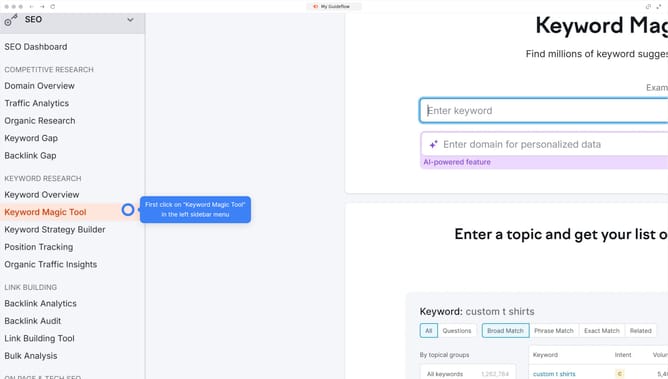
How to see weak competitor backlinks in Semrush
Here is how to see weak competitor backlinks in semrush
- First click on the "SEO" section in the top navigation menu
- Then click on "Backlink Gap" option in the left sidebar menu
- Next click in the first domain input field to enter your domain
- Add the competitor domains in the remaining fields
- Click the "Find prospects" button to generate backlink data
- In the results, go to the "Weak" tab to find the weakest backlinks the competitors have
Why should you see weak competitor backlinks in Semrush
Semrush is a powerful tool designed to enhance your online visibility with its comprehensive SEO features.
One standout feature is the ability to see weak competitor backlinks. This feature allows you to identify potentially vulnerable or low-quality links pointing to your competitors' websites.
Analyzing these weak backlinks can provide insights into opportunities for your own link-building strategy. By understanding where your competitors may falter, you can strengthen your backlink profile and drive better traffic.
Ultimately, leveraging this feature can significantly boost your competitive edge and improve your domain authority.
Last update