How to change currency in Semrush
Here is how to change currency in semrush
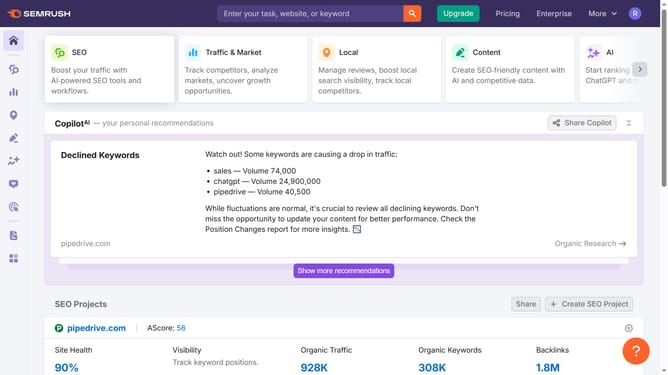
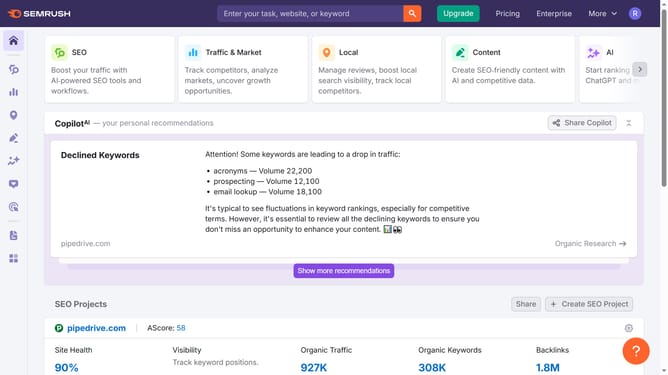
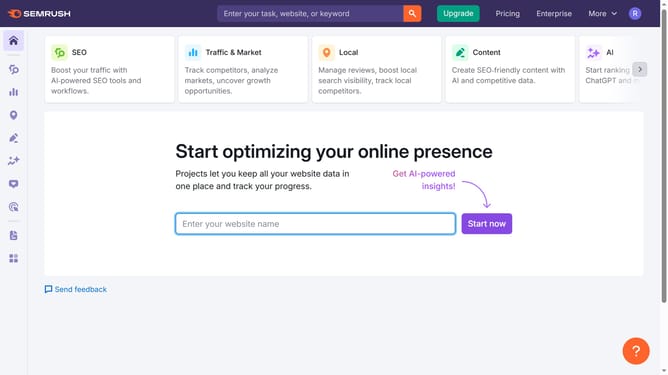
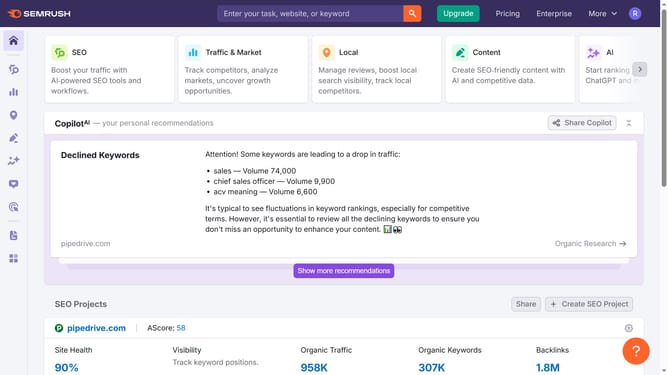
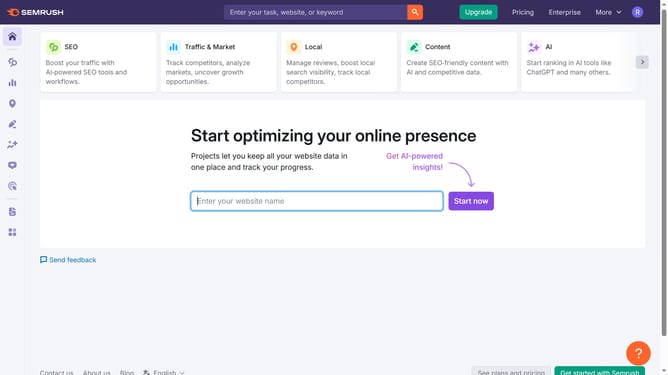
- First click on the "SEO" section in the left sidebar menu
- Then click on "Domain Overview" option in the left sidebar submenu
- Enter your domain in the domain input field
- Click the "Search" button to analyze the domain
- Click the dropdown arrow to view currency choices
Why should you change currency in Semrush
Semrush is a powerful tool that empowers digital marketers with comprehensive analytics and insights.
One of its essential features is the ability to change currency settings. This feature is especially beneficial for users who work with international clients, providing them a seamless way to understand and convey monetary values accurately.
By adjusting the currency settings, users can enhance report accuracy, aiding in budget management and financial communication across diverse markets. This flexibility ensures strategies align effectively with localized needs.
Last update