How to avoid bad backlinks in backlink gap in Semrush
Here is how to avoid bad backlinks in backlink gap in semrush
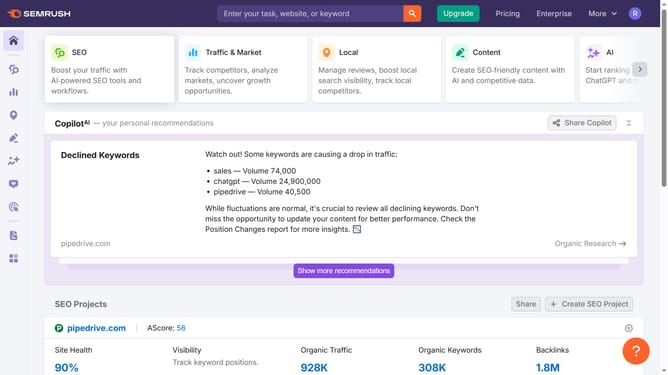
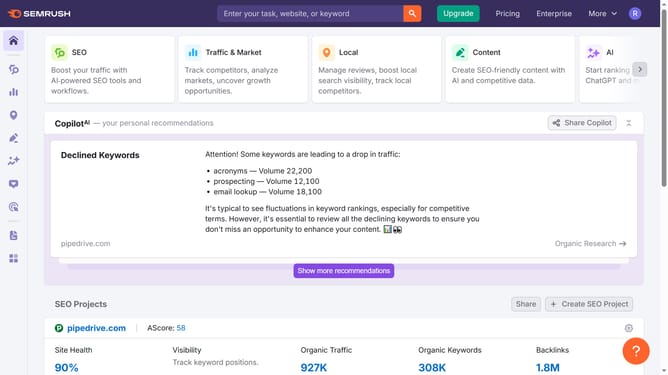
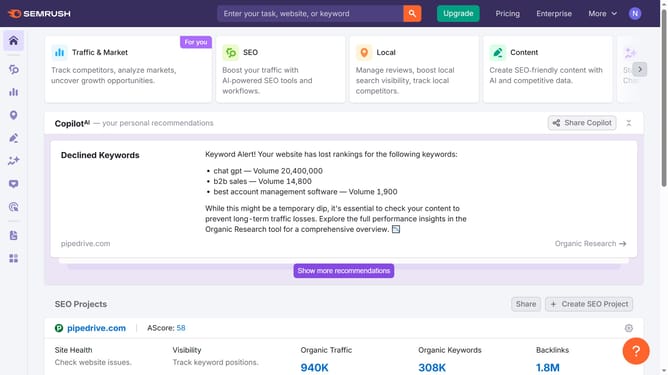
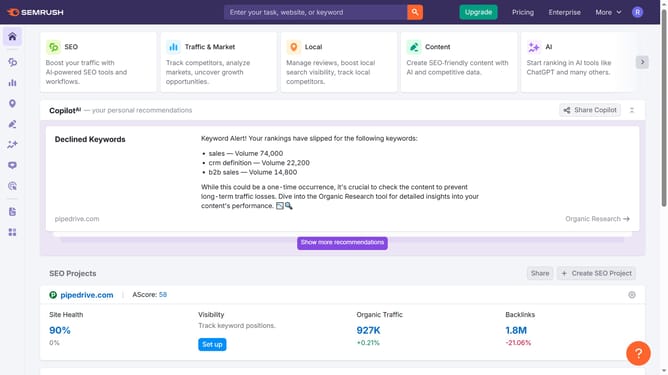
- First click on the "SEO" section in the top navigation menu
- Then click on "Backlink Gap" option in the left sidebar menu
- Next enter your domain in the first input field
- Then enter competitor domain in the second input field
- Click on the "Find prospects" button to analyze backlink gaps between domains
- Click the "Authority Score" column to sort by lowest scores—avoid these low-quality domains
Why should you avoid bad backlinks in backlink gap in Semrush
Semrush is a powerful tool designed to enhance your digital presence through effective SEO techniques.
One standout feature is its ability to identify and help you avoid bad backlinks in the backlink gap analysis.
By focusing on quality over quantity, you ensure that your website's authority is strengthened, rather than compromised by spammy links. Using Semrush, you can easily spot these undesirable backlinks and focus on building a robust, reputable link profile for long-term success.
Last update