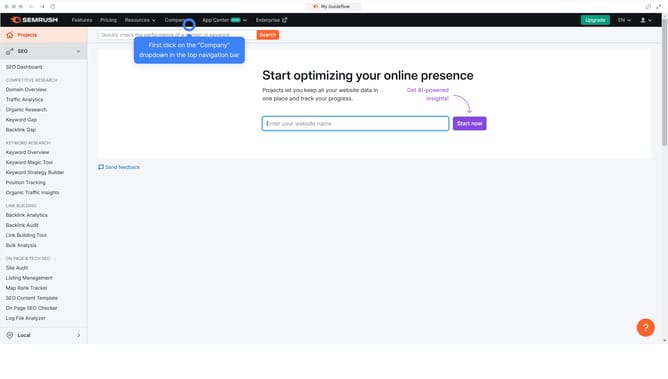
How to see desktop data in Semrush
Here is how to see desktop data in semrush
- First click on the "SEO" section in the left sidebar menu
- Then click on "Domain Overview" option in the left sidebar submenu
- Enter your domain in the domain input field
- Click the "Search" button to analyze the domain
- Select "Desktop" to switch views
Why should you see desktop data in Semrush
Semrush is a powerful digital marketing toolkit designed to enhance online visibility and manage SEO strategies effectively.
One of its standout features is the ability to view desktop data. Analyzing desktop data in Semrush provides insights into keyword performance, traffic trends, and competitor strategies in the desktop environment.
By leveraging this feature, users can tailor their SEO tactics to target desktop users more effectively, ensuring a well-rounded approach to digital marketing success.
Last update