How to analyze paid search traffic in Semrush
Here is how to analyze paid search traffic in semrush
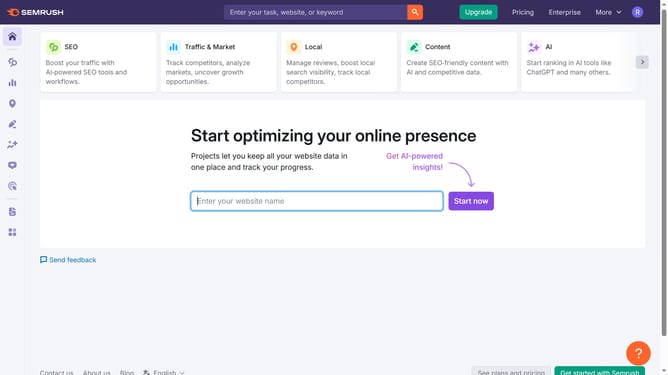
- First click on the "SEO" section in the main navigation menu
- Then click on "Domain Overview" option in the left sidebar menu
- Enter the domain you want to analyze in the search bar at the top.
- Click the "Search" button to generate results
- Here you'll find the "Paid search traffic"
Why should you analyze paid search traffic in Semrush
Semrush is a powerful tool designed to optimize your online marketing strategies by providing in-depth insights.
When analyzing paid search traffic with Semrush, users gain access to valuable metrics and competitor information, helping tailor and refine advertising strategies effectively.
This feature is pivotal as it allows marketers to understand their position in the market and identify potential areas for growth, leading to more efficient use of advertising budgets.
With Semrush’s data-driven approach, businesses can enhance visibility and attract the right audience, ultimately boosting their ROI.
Last update