How to compare organic competitors in Semrush
Here is how to compare organic competitors in semrush
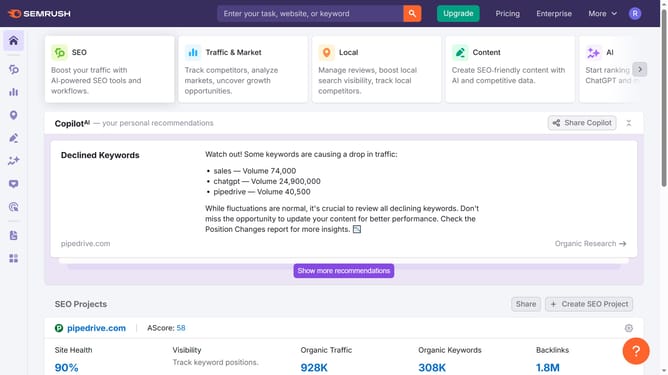
- First click on the "SEO" tab in the main navigation menu
- In the left-hand sidebar, click "Organic Research" under the "Competitive Research" section
- Enter your domain in the domain input field
- Click "Search" to open the Organic Research report
- Click on the "Competitors" tab
- Scroll down to "Organic competitors" section to see a list of domains competing for similar keywords
Why should you compare organic competitors in Semrush
Semrush is a powerful tool designed to enhance and perfect your digital marketing strategies.
One of its most acclaimed features is the ability to compare organic competitors. By leveraging this feature, you gain insight into your competitors' strategies, helping you identify opportunities for growth and improvement.
Understanding what keywords your competitors rank for allows you to refine your own targeting strategy. This comparative insight enhances your ability to infiltrate new markets and increase your visibility online, ultimately boosting traffic to your site.
Last update