How to analyze backlink growth in Semrush
Here is how to analyze backlink growth in semrush
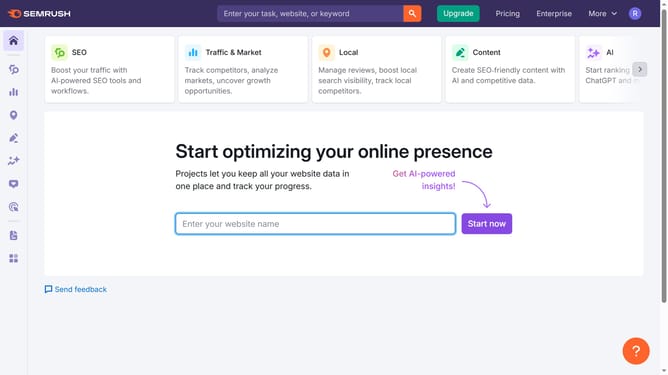
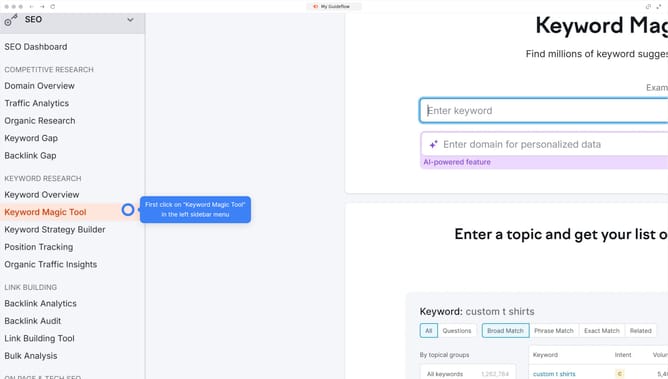
- First click on the "SEO" section in the left sidebar menu
- Then click on "Domain Overview" option in the left sidebar submenu
- Enter your domain in the domain input field
- Click the "Search" button to analyze the domain
- Click the digits beside the "Referring Domains" in the Backlinks section to view growth trends
Why should you analyze backlink growth in Semrush
Semrush is a dynamic platform designed for unveiling key insights into search visibility.
One of its robust features allows users to analyze backlink growth effectively.
Monitoring backlink growth in Semrush provides clarity on your website’s link-building progress. By gaining insights into the quantity and quality of backlinks, you can strategize effectively to bolster domain authority.
Using this feature ensures a competitive edge by helping identify successful link-building strategies and potential areas for enhancement.
Last update