How to analyze paid keywords in Semrush
Here is how to analyze paid keywords in semrush
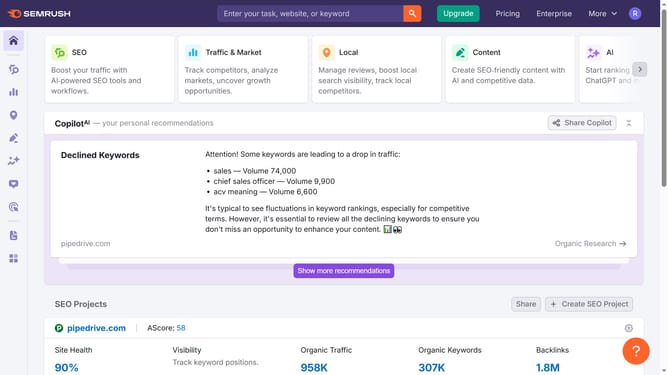
- First click on the "SEO" section in the left sidebar menu
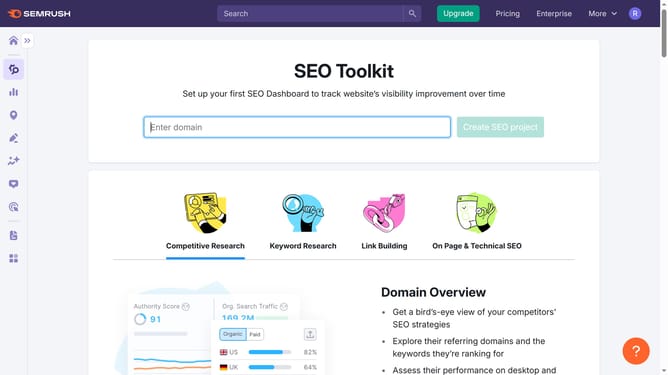
- Then click on "Domain Overview" option in the left sidebar submenu
- Enter your domain in the domain input field
- Click the "Search" button to analyze the domain
- Scroll to the "Top Paid Keywords" section to see the details of paid keywords.
Why should you analyze paid keywords in Semrush
Semrush is a powerful online tool designed to elevate your digital marketing strategies by offering in-depth insights into search engine optimization.
By analyzing paid keywords in Semrush, you gain a deeper understanding of your competition's advertising tactics. This feature allows you to identify which keywords are driving traffic to competitors, offering a strategic advantage.
Using this invaluable data, you can refine your own paid keyword strategy, ensuring that your advertising budget is utilized effectively. This leads to more targeted campaigns, ultimately enhancing your ROI.
Last update