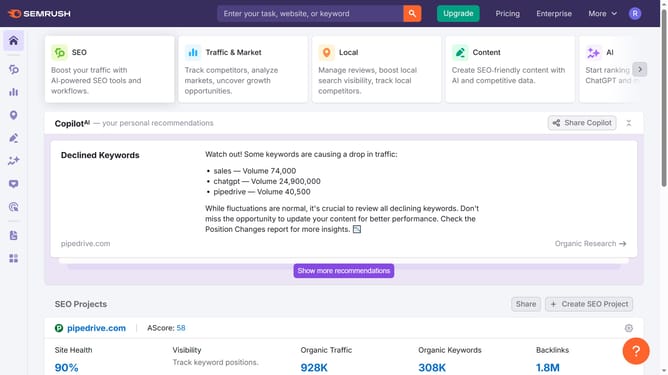
How to check SERP feature percentages in Semrush
Here is how to check serp feature percentages in semrush
- First click on the "SEO" tab in the main navigation menu
- In the left-hand sidebar, click "Organic Research" under the "Competitive Research" section
- Enter your domain in the domain input field
- Click "Search" to open the Organic Research report
- Click the "Positions" tab
- Click "SERP Features" section to view the percentage of keywords triggering each SERP feature
Why should you check SERP feature percentages in Semrush
Semrush is a powerful all-in-one tool designed for digital marketing to elevate your SEO strategies.
Understanding SERP feature percentages in Semrush provides you with insights into how your content is performing across various search engine results page elements. By accessing these metrics, you can identify which SERP features your content consistently appears in, like featured snippets or local packs.
This knowledge empowers you to tailor your strategy, aiming to capture more real estate on Google's front page by optimizing your content specifically for the features where opportunities seem ripe.
Staying informed about these percentages helps maintain your competitive edge, allowing for strategic adjustments that could boost visibility and searchability effectively.