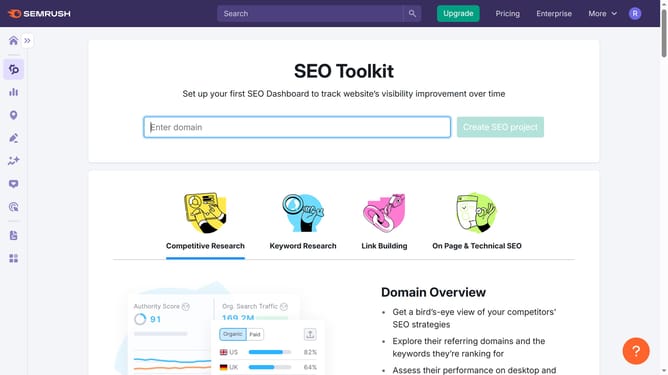
How to check indexation issues in Semrush
Here is how to check indexation issues in semrush
- First click on the "SEO" tab in the main navigation menu
- In the left-hand sidebar, click "Organic Research" under the "Competitive Research" section
- Enter your domain in the domain input field
- Click "Search" to open the Organic Research report
- Click the "Pages" tab to view which pages are receiving organic traffic
- Scroll down to the "Organic Pages" section and look for important pages that are missing from this list, they may not be indexed
Why should you check indexation issues in Semrush
Semrush is a dynamic tool designed to enhance online visibility and discover marketing insights.
Checking indexation issues in Semrush helps you ensure that your website is fully captured by search engines, which is critical for gaining online traffic.
This feature allows for quick identification of pages that might not be indexed, offering insights into potential issues. It helps in maintaining a healthy website structure, ensuring that all content is accessible and indexable by search engines.
Using this tool saves time in manual checks and ensures your site's optimal performance in search results.
Last update