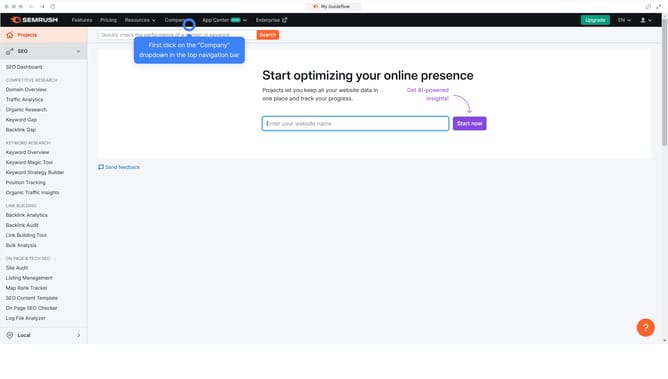
How to compare organic search traffic in Semrush
Here is how to compare organic search traffic in semrush
- First click on the "SEO" section in the left sidebar menu
- Then click on "Domain Overview" option in the left sidebar submenu
- Enter your domain in the domain input field
- Click the "Search" button to analyze the domain
- Click the "Compare Domain" to proceed
- Enter your domain in the first field
- Add a competitor domain in the next field
- Click "Compare" to see side-by-side analysis of organic search traffic
Why should you compare organic search traffic in Semrush
Semrush is a powerful tool designed to enhance online visibility and explore marketing insights.
Comparing organic search traffic using Semrush enables businesses to pinpoint strengths and areas for growth.
This feature provides a competitive edge by clearly displaying which keywords drive traffic, allowing for refined SEO strategies.
Utilizing this data enhances decision-making, ensuring that efforts are focused where they will yield the highest returns.
Last update