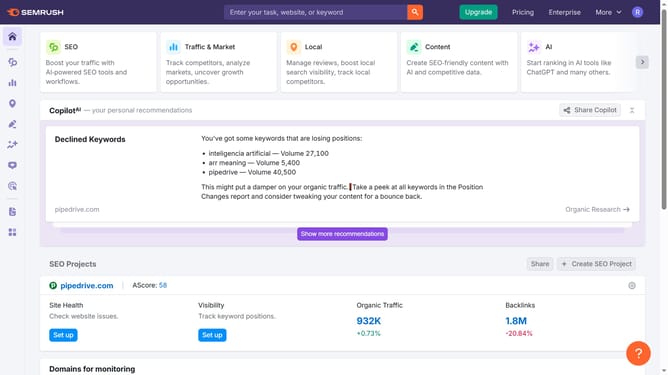
How to view keyword trends over time in Semrush
Here is how to view keyword trends over time in semrush
- First click on the "SEO" tab in the main navigation menu
- In the left-hand sidebar, click "Organic Research" under the "Competitive Research" section
- Enter your domain in the domain input field
- Click "Search" to open the Organic Research report
- Click on the "Positions" tab
- Click "Keywords" to see all organic keywords your site ranks for
- In the keyword details page, scroll to the "Trend" graph to view search interest over time
Why should you view keyword trends over time in Semrush
Semrush is a comprehensive digital marketing platform designed to boost your online visibility.
The feature of viewing keyword trends over time in Semrush allows users to track the ebb and flow of keyword popularity, offering invaluable insights into market dynamics.
By analyzing these trends, businesses can adapt their strategies to capitalize on emerging opportunities and anticipate shifts in consumer interest.
This ability transforms raw data into strategic insight, empowering marketers to make informed decisions that enhance SEO performance.
Last update