How to check keyword trends in Semrush
Here is how to check keyword trends in semrush
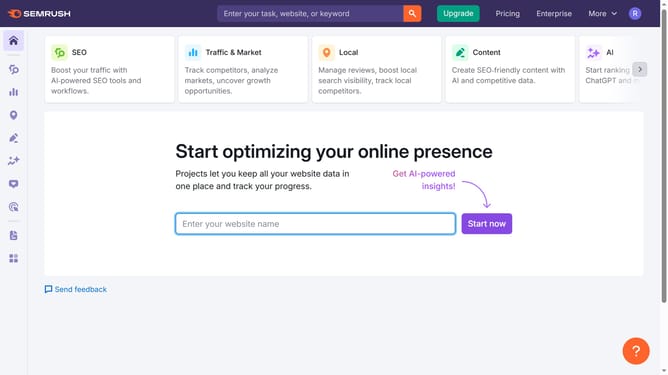
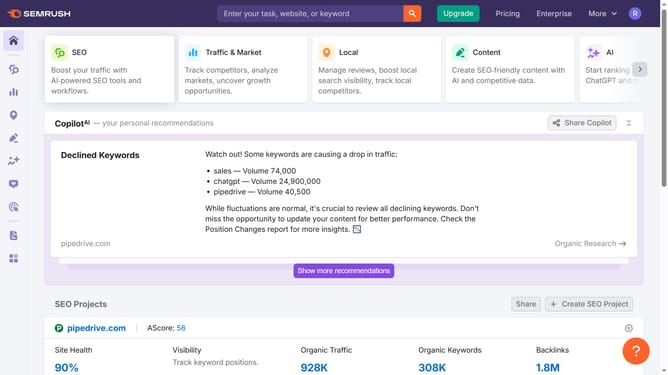
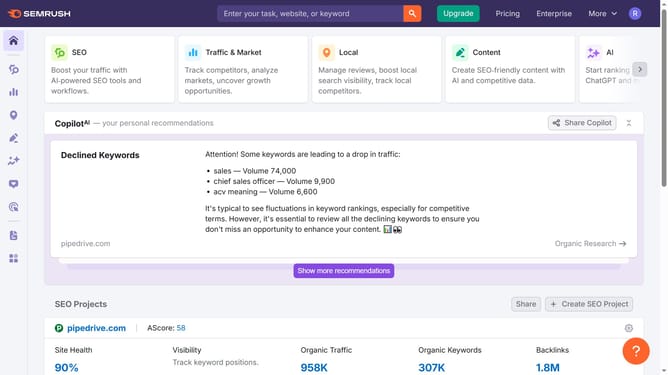
- First click on the "SEO" section in the left sidebar menu
- Then click on "Domain Overview" option in the left sidebar submenu
- Enter your domain in the domain input field
- Click the "Search" button to analyze the domain
- Scroll down to the "Top Organic Keywords" section to view keyword trends
Why should you check keyword trends in Semrush
Semrush is a powerful tool designed to enhance your digital marketing strategy through detailed analytics and effective optimization.
Exploring keyword trends in Semrush reveals the current popularity of search terms over time, providing insights essential for targeting relevant audiences effectively.
This feature is invaluable for understanding market dynamics and predicting shifts in consumer behavior, enabling marketers to tailor their content strategies proactively.
By leveraging these insights, you can maintain a competitive edge, ensuring your campaigns remain both timely and impactful.
Last update