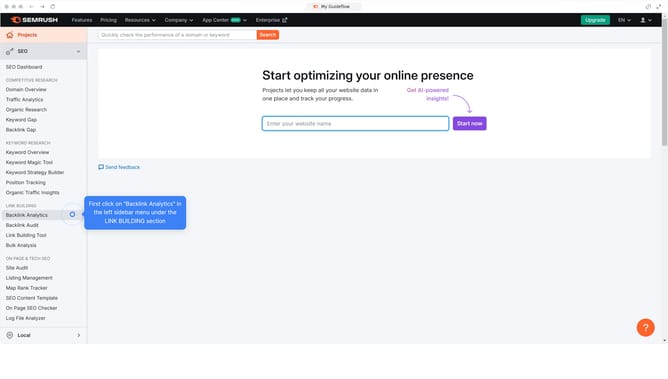
How to compare three sites in backlink gap in Semrush
Here is how to compare three sites in backlink gap in semrush
- First click on the "SEO" section in the left sidebar menu
- Then click on "Backlink Gap" option in the left sidebar menu
- Enter your domain in the first input field
- Click the "Add up to 3 competitors" button to add competitor domains
- Click the second domain input field to add first competitor "salesforce.com"
- Finally click the "Find prospects" button to analyze backlink gaps between domains
Why should you compare three sites in backlink gap in Semrush
Semrush is a powerful platform designed to enhance online visibility and uncover marketing insights.
One of its standout features is the ability to compare three websites in a backlink gap analysis, which provides a comprehensive comparison of their backlink profiles.
By doing this, you gain invaluable insights into where your competitors are gaining their links, helping to identify potential opportunities for your own site.
This strategic analysis can give your site a competitive edge, potentially driving more traffic and improving search engine ranking.
Last update