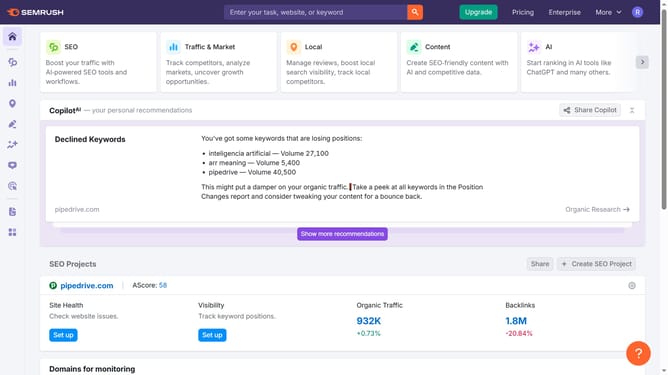
How to switch device type in Semrush
Here is how to switch device type in semrush
- First click on the "SEO" section in the left sidebar menu
- Then click on "Domain Overview" option in the left sidebar submenu
- Enter your domain in the domain input field
- Click the "Search" button to analyze the domain
- Finally click the dropdown and select either "Desktop," "Mobile," or "Tablet."
Why should you switch device type in Semrush
Semrush is a powerful online visibility management platform designed to help you optimize your digital presence.
Switching device types in Semrush allows you to tailor your insights to specific user experiences, whether they're using a desktop, tablet, or mobile device.
This feature is invaluable for identifying how different audience segments interact with your content, leading to more targeted and effective SEO strategies.
By leveraging device-specific data, you gain a deeper understanding of user behavior, ensuring your website provides an optimal experience across all platforms.
Last update