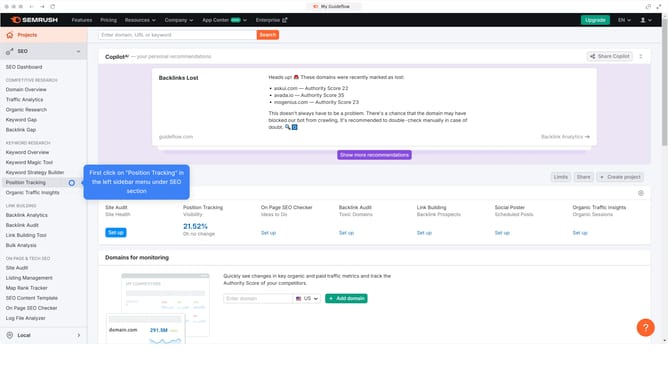
How to see mobile-friendly backlinks in Semrush
Here is how to see mobile-friendly backlinks in semrush
- First click on the "SEO" section in the left sidebar menu
- Then click on "Backlink Analytics" option in the left sidebar menu
- Next enter your domain in the domain input field at the top of the page
- Click the "Analyze" button to start the backlink analysis
- Click on the "Referring Domains" tab in the main content area
- Click the external link icon to open the website and check if it supports mobile responsiveness
Why should you see mobile-friendly backlinks in Semrush
Semrush is a comprehensive digital marketing toolkit designed to enhance online visibility and discover marketing insights.
The feature that allows you to see mobile-friendly backlinks in Semrush is crucial in today's mobile-centric world. As mobile usage continues to dominate, ensuring your backlinks are mobile-optimized boosts your site's performance.
By analyzing mobile-friendly backlinks, you gain insights into the quality and effectiveness of your link-building strategy on mobile devices, ultimately enhancing user experience and search engine rankings.
This feature empowers you to align your SEO strategies with user behavior, ensuring your website remains competitive in the ever-evolving digital landscape.
Last update