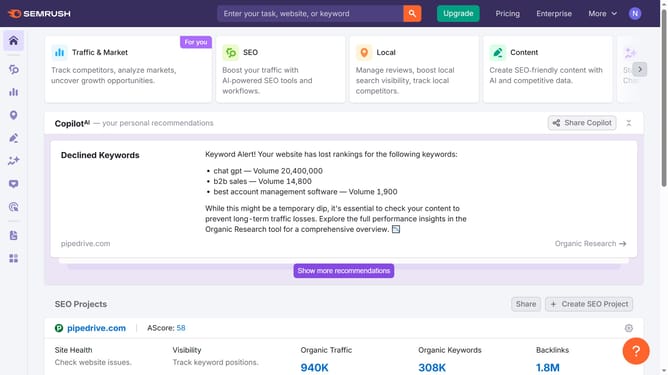
How to change country view in Semrush
Here is how to change country view in semrush
- First click on the "SEO" section in the main navigation menu
- Then click on "Domain Overview" option in the left sidebar menu
- Enter the domain you want to analyze in the search bar at the top.
- Click the "Search" button to generate results
- Click the country flag icon of your choice next to the search bar.
Why should you change country view in Semrush
Semrush is a comprehensive digital marketing tool designed to optimize online visibility and discover marketing insights.
One of its standout features allows users to change the country view, tailoring analytics to specific geographic markets. This feature is invaluable for businesses aiming to understand and penetrate regional markets.
By adjusting the country view, users gain targeted insights into local search trends and competition, helping to refine global strategies and maximize reach in chosen locales.
Last update