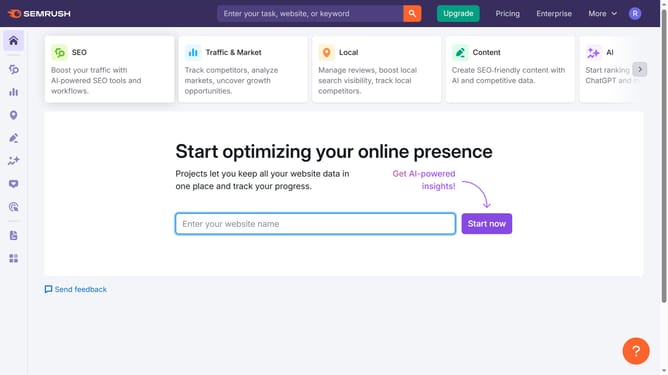
How to check keyword growth in Semrush
Here is how to check keyword growth in semrush
- First click on the "SEO" section in the left sidebar menu
- Then click on "Domain Overview" option in the left sidebar submenu
- Enter your domain in the domain input field
- Click the "Search" button to analyze the domain
- Scroll to the "Top Organic Keywords" section to view keyword trends
- Click "View details" to track keyword growth over time
Why should you check keyword growth in Semrush
Semrush is a powerful digital marketing tool designed to enhance your online visibility and discover marketing insights.
Checking keyword growth in Semrush allows you to track the performance of specific keywords over time. This feature provides a dynamic and insightful view of your SEO efforts, helping you optimize your strategy.
Understanding keyword growth reveals trends and opportunities to capitalize on, ensuring your content strategy aligns with market demands.
Utilizing Semrush for keyword growth analysis empowers data-driven decisions, ultimately enhancing your brand's reach and visibility.
Last update