How to analyze keywords by intent in Semrush
Here is how to analyze keywords by intent in semrush
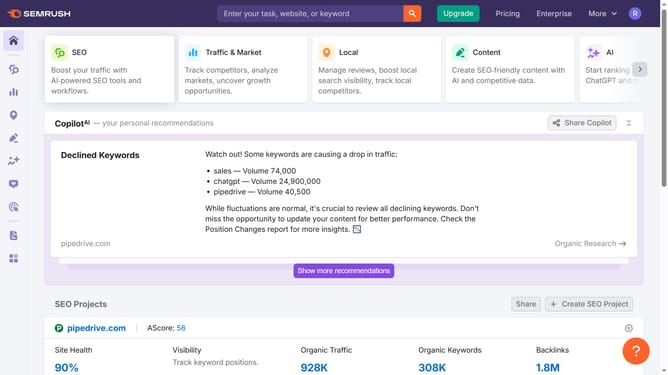
- First click on the "SEO" section in the left sidebar menu
- Then click on "Organic Research" option in the left sidebar submenu
- Enter your domain in the domain input field
- Click the "Search" button to analyze the domain
- Click the "Positions" tab to proceed
- Use the "Intent" filter to see if it’s informational, navigational, commercial, or transactional keywords
Why should you analyze keywords by intent in Semrush
Semrush is a powerful digital marketing tool designed to boost your online visibility through comprehensive keyword analysis.
Analyzing keywords by intent in Semrush allows you to pinpoint the purpose behind a user's search, providing a strategic advantage. This feature categorizes keywords into various intents such as informational, navigational, transactional, and more, ensuring your content aligns with user expectations and needs.
By understanding keyword intent, you can create targeted content that enhances user engagement, improves search engine rankings, and ultimately drives more qualified traffic to your website.
Last update