How to open the Organic Research tool in Semrush
Here is how to open the organic research tool in semrush
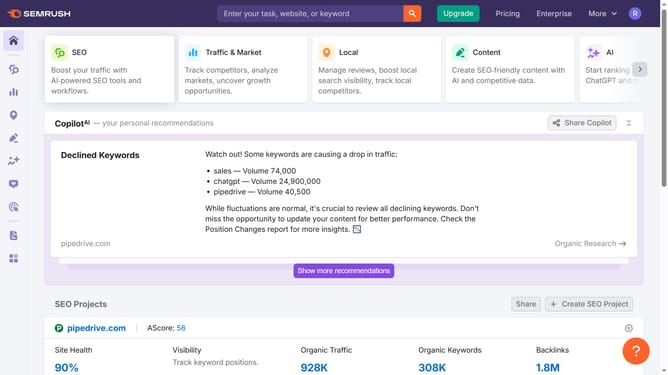
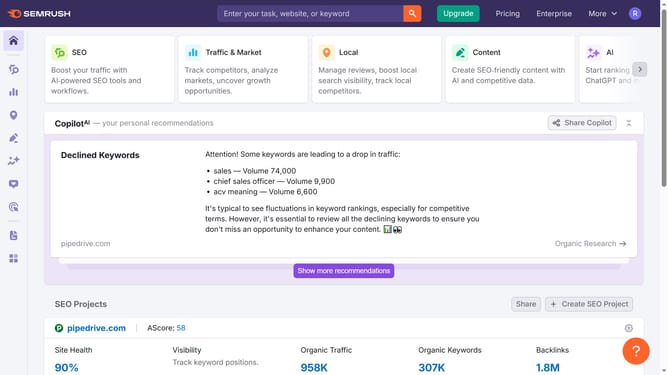
- First click on the "SEO" tab in the main navigation menu
- In the left-hand sidebar, click "Organic Research" under the "Competitive Research" section
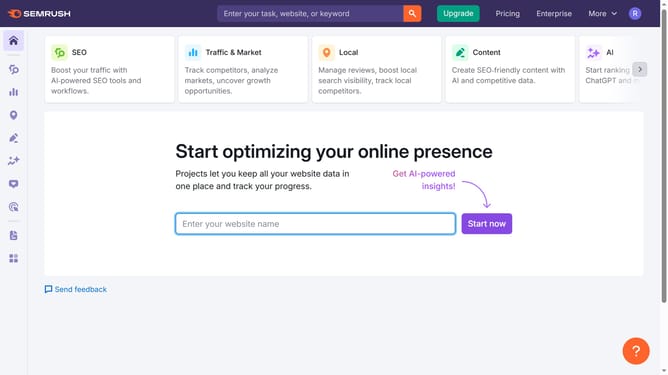
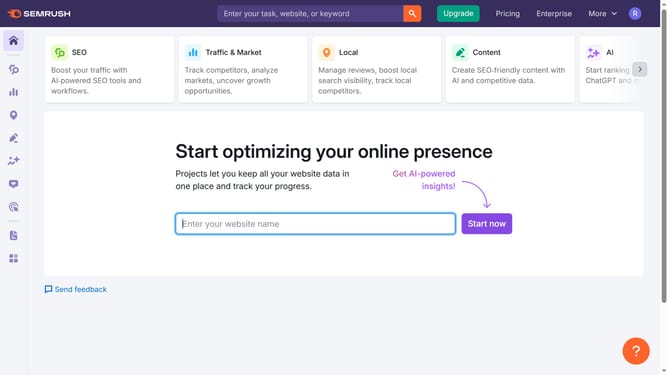
- Enter your domain in the domain input field
- Click "Search" to open the Organic Research report
Why should you open the Organic Research tool in Semrush
Semrush is a powerful digital marketing toolkit designed to enhance SEO, PPC, content marketing, and social media efforts.
Opening the Organic Research tool in Semrush unveils a wealth of insights into your competitors' keyword strategies and organic performance.
by accessing this feature, you can delve deeper into keyword visibility and position tracking, helping you devise more informed strategies.
This tool empowers you with data to refine your website's SEO approach, ultimately boosting your search engine rankings and online visibility.
Last update