How to view competitive positioning maps in Semrush
Here is how to view competitive positioning maps in semrush
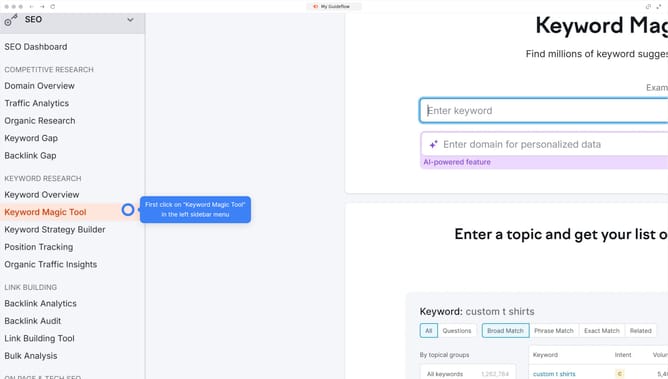
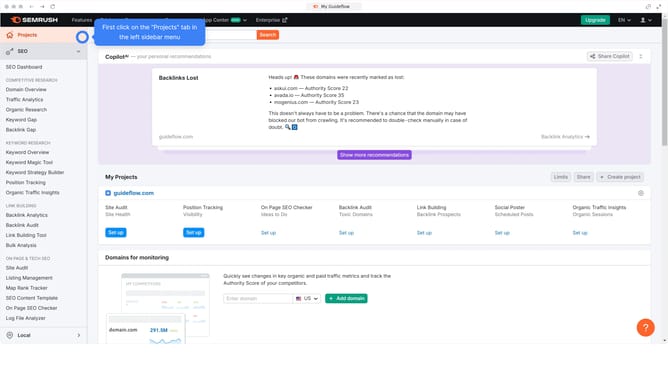
- First click on the "SEO" section in the main navigation menu
- Then click on "Domain Overview" in the left sidebar menu
- Enter your domain in the domain search field
- Click the "Search" button to analyze the domain
- Scroll down to view "Competitive Positioning Map" section
Why should you view competitive positioning maps in Semrush
Semrush is a dynamic digital marketing tool designed to enhance your online visibility and content success.
The competitive positioning maps in Semrush offer a visual representation of how your domain stacks up against competitors in terms of traffic, keywords, and brand visibility.
This feature is crucial for identifying key rivals, understanding market dynamics, and uncovering opportunities for growth. It equips you with the insights needed to refine your strategy and optimize your market position.
Last update