How to share backlink gap with team in Semrush
Here is how to share backlink gap with team in semrush
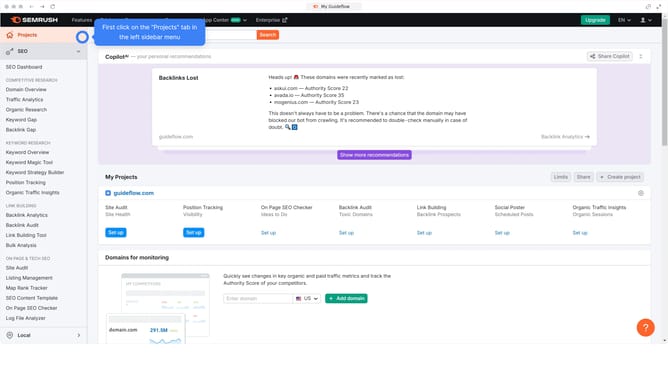
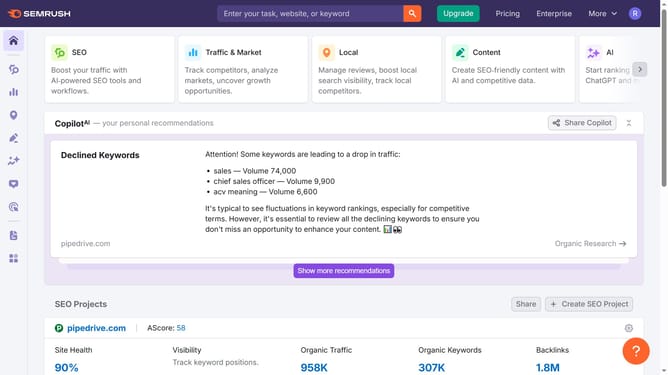
- First click on the "SEO" section in the top navigation menu
- Then click on "Backlink Gap" option in the left sidebar menu
- Next enter your domain in the first input field
- Then enter the competitors domain in the second input field
- Click on the "Find prospects" button to analyze backlink gaps between domains
- Download the file and share it with your team via email or your project management tool
Why should you share backlink gap with team in Semrush
Semrush is a powerful tool for savvy marketers looking to enhance online visibility and performance.
Sharing backlink gap insights within Semrush is a game-changing feature for collaborative teams focused on SEO strategy.
This functionality allows teams to efficiently identify and analyze gaps in competitor backlinks, fostering informed strategic planning.
Utilizing such features enhances communication and ensures everyone is aligned with a data-driven approach for refining online presence.
Last update