How to create content based on keyword intent in Semrush
Here is how to create content based on keyword intent in semrush
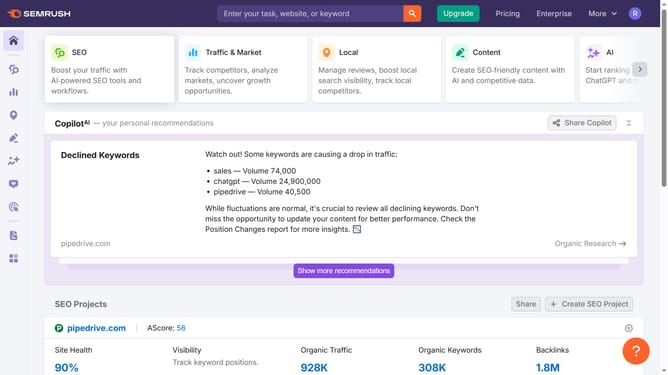
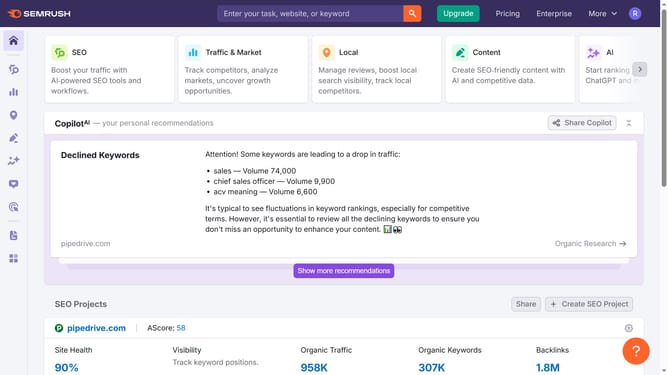
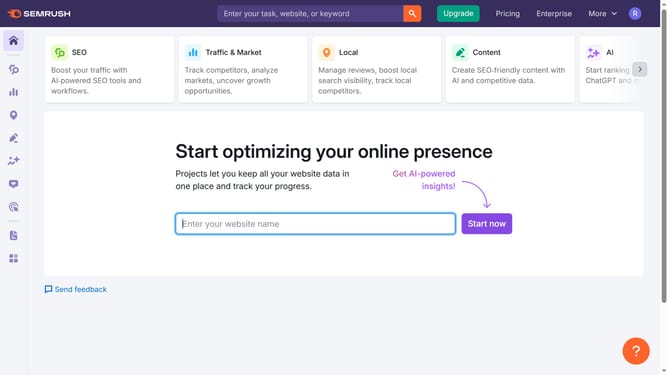
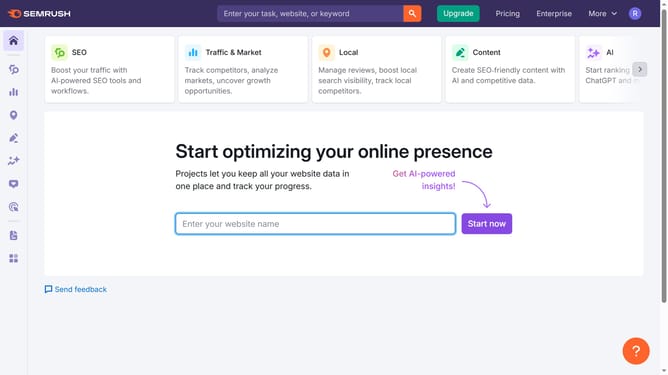
- First click on the "SEO" tab in the main navigation menu
- In the left-hand sidebar, click "Organic Research" under the "Competitive Research" section
- Enter your domain in the domain input field
- Click "Search" to open the Organic Research report
- Click the "Positions" tab at the top of the report
- Use the "Intent" filter to segment keywords by Informational, Navigational, Commercial, or Transactional intent, to identify keywords that match your content goals
Why should you create content based on keyword intent in Semrush
Semrush is a powerful digital marketing tool designed to elevate your online visibility and performance.
The feature for creating content based on keyword intent allows marketers to tailor their content to match what users are actively searching for. By identifying the purpose behind a user's search, this feature helps craft more relevant and engaging content.
Using keyword intent not only enhances SEO strategy but also boosts user engagement and satisfaction. This results in higher conversion rates by effectively meeting users' needs and expectations.
Last update