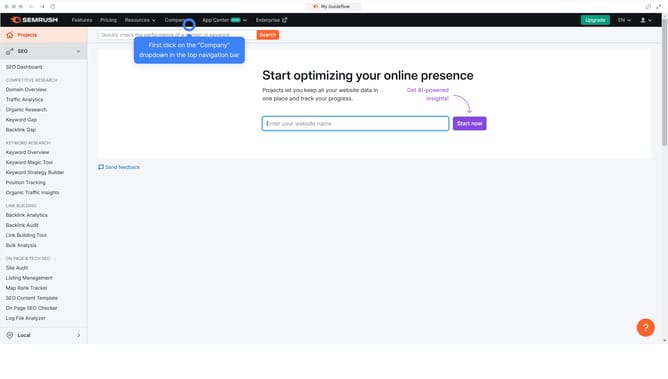
How to find backlink analytics in Semrush
Here is how to find backlink analytics in semrush
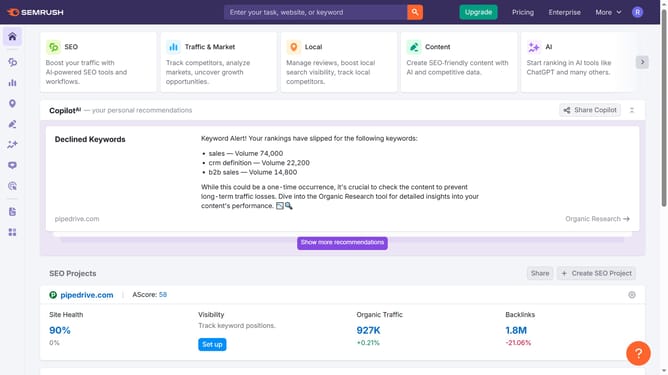
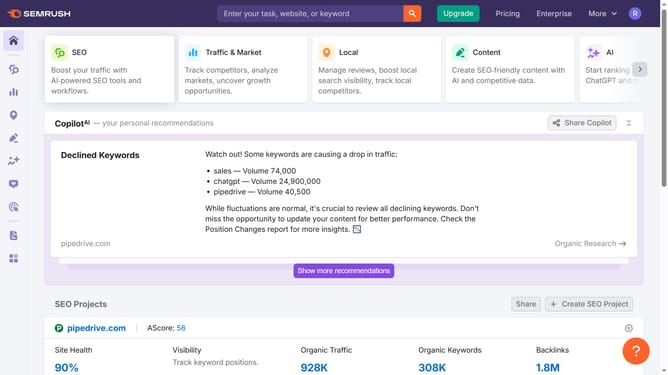
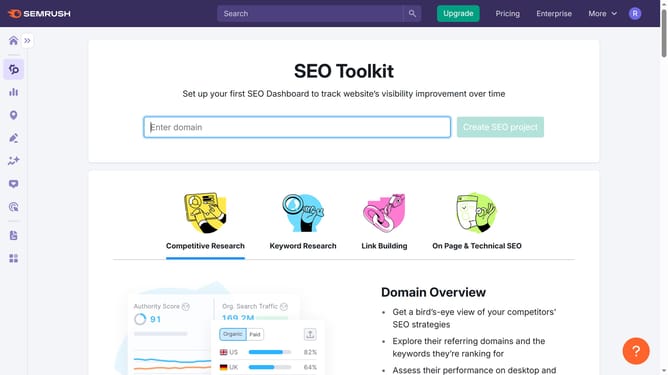
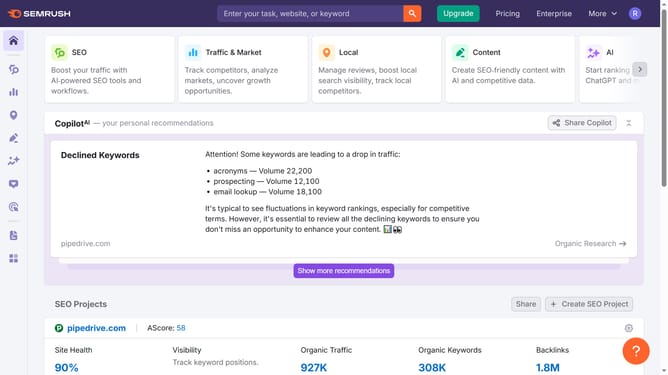
- First click on the "SEO" section in the main navigation menu
- Then click on "Backlink Analytics" option in the left sidebar menu
- Enter your domain in the search bar
- Finally click the "Analyze" button to generate the results
Why should you find backlink analytics in Semrush
Semrush is a powerful tool designed for SEO and online marketing mastery.
Unveiling backlink analytics in Semrush offers valuable insights into your website’s linking profile. The feature highlights the number and quality of backlinks, serving as essential indicators of your website's credibility.
Using these analytics, you can identify opportunities to strengthen your SEO strategy and benchmark against competitors. The data-driven approach ensures you strategically build a robust online presence.
Thus, Semrush's backlink analytics empower you to optimize your digital footprint effectively.
Last update