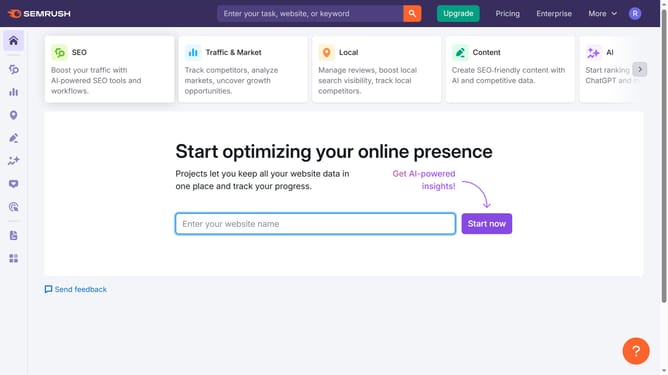
How to compare multiple countries in Semrush
Here is how to compare multiple countries in semrush
- First click on the "SEO" section in the left sidebar menu
- Then click on "Domain Overview" option in the left sidebar submenu
- Enter your domain in the domain input field
- Click the "Search" button to analyze the domain
- Click the "Compare by Countries" to proceed
- Enter your country in the first field
- Click on the next field
- Add one or more countries of your choice or choose from the dropdown list
- To view the comparison with another country, finally click "Compare"
Why should you compare multiple countries in Semrush
Semrush is a comprehensive digital marketing tool designed to improve online visibility and discover marketing insights.
By harnessing the ability to compare multiple countries in Semrush, you can refine your strategic approach to SEO on a global scale. This feature provides a snapshot of how different markets perform, assisting businesses in identifying which locations present the most potential for growth.
Understanding country-specific trends and preferences allows teams to tailor their content accordingly, maximizing engagement and reach. Furthermore, this comparative analysis enables efficient resource allocation, ensuring marketing efforts are optimally targeted for the best return on investment.
Last update