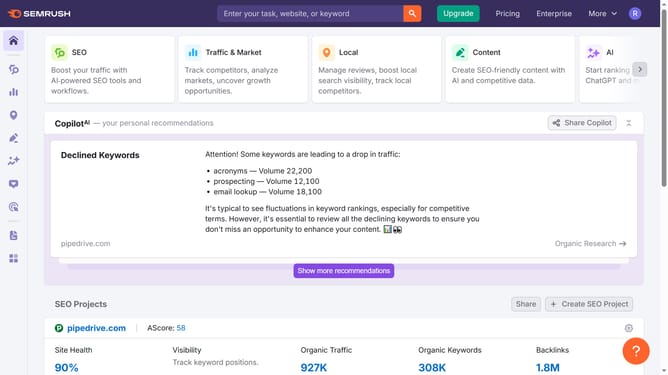
How to optimize for featured snippets in Semrush
Here is how to optimize for featured snippets in semrush
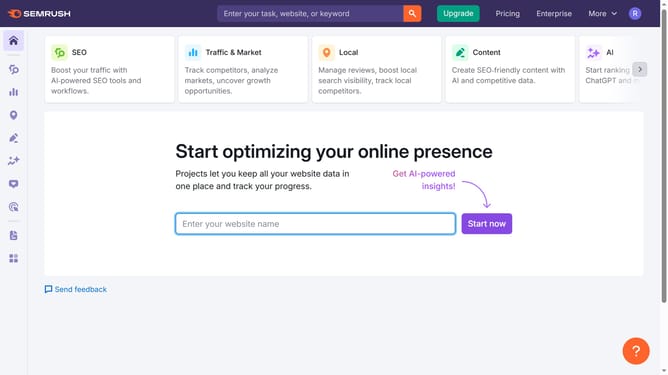
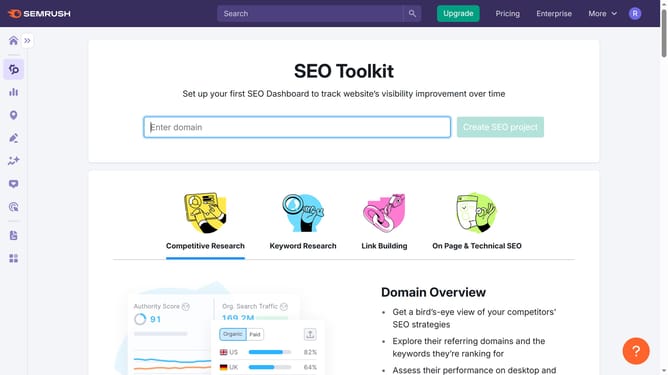
- First click on the "SEO" tab in the main navigation menu
- In the left-hand sidebar, click "Organic Research" under the "Competitive Research" section
- Enter your domain in the domain input field
- Click "Search" to open the Organic Research report
- Click the "Positions" tab at the top of the report
- Click the "SERP Features" filter and select "Featured Snippet"
Why should you optimize for featured snippets in Semrush
Semrush is a powerful digital marketing tool designed to boost your online visibility and optimize your search engine presence.
Optimizing for featured snippets using Semrush enhances your ability to capture the coveted top spot on search results. With Semrush, generate a detailed analysis of keywords and content structures that trigger snippets.
Featured snippets provide users with quick, concise answers, increasing traffic potential and credibility. Utilizing Semrush for this purpose enables improved rankings and maximizes your site's reach effectively.
Last update