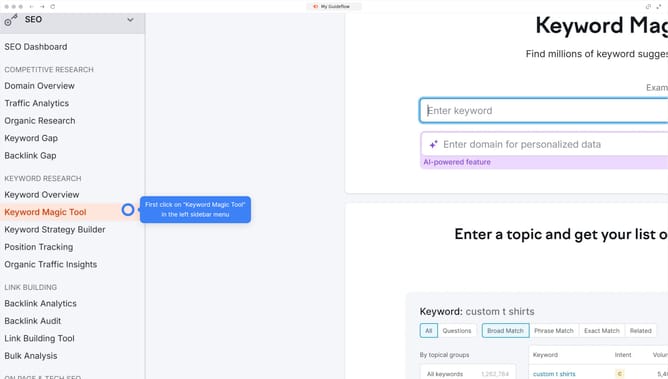
How to switch between country views in Semrush
Here is how to switch between country views in semrush
- First click on the "SEO" section in the main navigation menu
- Then click on "Organic Research" in the left sidebar menu
- Enter your domain in the domain search field
- Click the "Search" button to analyze the domain
- Click the "..." to open the list of available countries
- Select the country you want to view from the dropdown menu
Why should you switch between country views in Semrush
Semrush is a powerful tool designed to elevate your digital marketing efforts by delivering insights into SEO strategies worldwide.
One of its standout features is the ability to effortlessly switch between country views.
This functionality empowers users to tailor their strategies and content based on the specific characteristics and preferences of different regional markets.
By understanding diverse audiences, you can enhance global reach and drive more targeted traffic and engagement to your website.
Last update