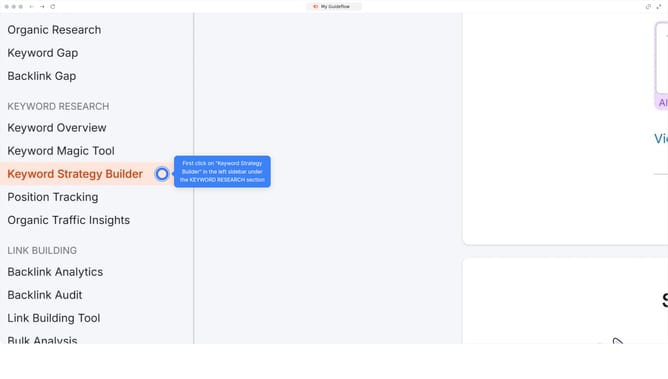
How to check worldwide traffic distribution in Semrush
Here is how to check worldwide traffic distribution in semrush
- First click on the "SEO" section in the left sidebar menu
- Then click "Domain Overview" link in the left sidebar
- Enter your domain in the domain input field
- Then click the "Search" button to analyze the domain
- Select "Worldwide"
- Scroll down to view traffic worldwide distribution and by location
Why should you check worldwide traffic distribution in Semrush
Semrush is a powerful tool designed to elevate your digital marketing strategy by offering comprehensive insights into online performance.
Among its robust features, checking worldwide traffic distribution stands out. This function allows you to see where your website's visitors are coming from on a global scale.
Understanding traffic distribution aids in identifying potential markets and tailoring your content to reach a wider audience. By using this insightful data, businesses can make informed decisions, optimize marketing efforts, and enhance their global reach.
Last update