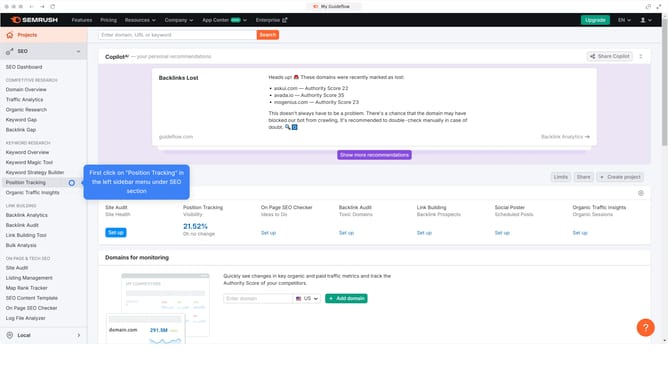
How to check competitor keyword gaps in Semrush
Here is how to check competitor keyword gaps in semrush
- First click on the "SEO" tab in the main navigation menu
- In the left-hand sidebar, click "Organic Research" under the "Competitive Research" section
- Enter your domain in the domain input field
- Click "Search" to open the Organic Research report
- Click on the "Competitors" tab
- Compare their "Positions" column with yours to spot keywords they rank for that you don’t
Why should you check competitor keyword gaps in Semrush
Semrush is a dynamic SEO tool designed to enhance digital marketing strategies by offering comprehensive insights.
One of its standout features is the ability to identify competitor keyword gaps. This tool enables businesses to discover which keywords their competitors are ranking for, but they are not. By filling these gaps, businesses can find new opportunities to enhance their visibility in search engines.
Understanding competitor keyword gaps can provide a significant advantage, allowing marketers to refine their content strategy, improve search rankings, and drive more organic traffic.
Last update