How to check US organic traffic in Semrush
Here is how to check us organic traffic in semrush
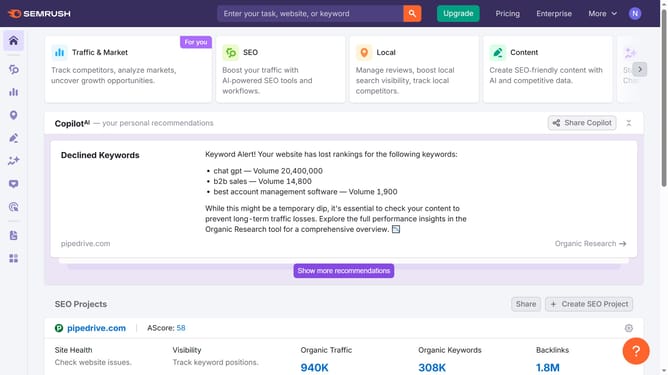
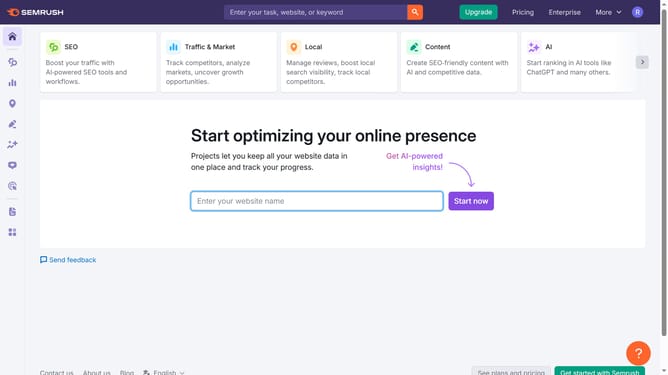
- First click on the "SEO" tab in the main navigation menu
- In the left-hand sidebar, click "Organic Research" under the "Competitive Research" section
- Enter your domain in the domain input field
- Click "Search" to open the Organic Research report
- Click the country drop-down menu
- Select "United States" from the list to filter the data by US-specific traffic
Why should you check US organic traffic in Semrush
Semrush is a powerhouse digital marketing tool that provides essential insights into online visibility.
Checking US organic traffic in Semrush offers you the advantage of understanding how your website performs in the US market. This feature allows you to see detailed analytics of your website's organic search traffic originating from the United States.
Utilizing this feature can guide strategic decisions, enabling you to optimize your website's presence and attract more US-based visitors effectively.
Ultimately, it helps leverage data-driven insights to improve your SEO strategies and boost your competitive edge.
Last update