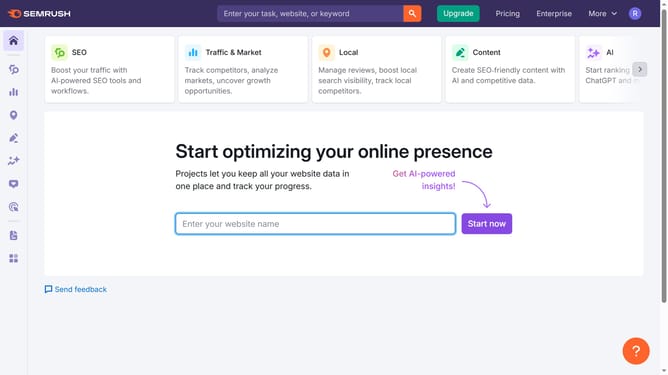
How to analyze commercial intent keywords in Semrush
Here is how to analyze commercial intent keywords in semrush
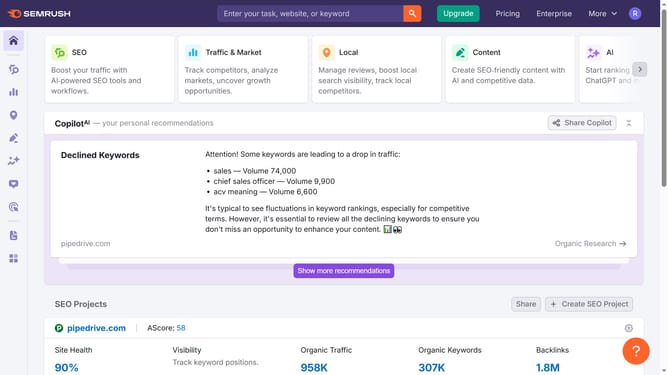
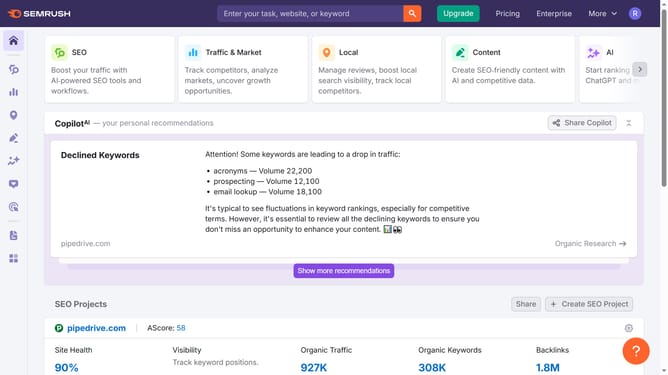
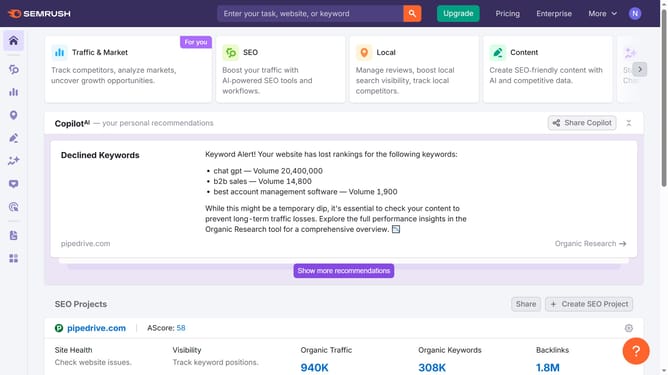
- First click on the "SEO" tab in the main navigation menu
- Then click on "Domain Overview" in the left sidebar menu
- Enter your domain in the domain input field
- Click the "Search" button to analyze the domain
- Scroll down to the "Keywords by Intent" section
- Click the percentage on the "Commercial" to filter keywords by commercial intent
Why should you analyze commercial intent keywords in Semrush
Semrush is a cutting-edge tool for digital marketing analysis and optimization.
By analyzing commercial intent keywords in Semrush, businesses can gain a clear understanding of which search terms are more likely to convert into sales. This feature helps in identifying which keywords prospective buyers are searching for, signaling a strong purchasing intent.
Using this insight, marketers can tailor their content strategies to focus on high-value keywords, ensuring campaigns drive more meaningful traffic and boost ROI. It’s a crucial step in crafting data-driven marketing strategies.
Last update