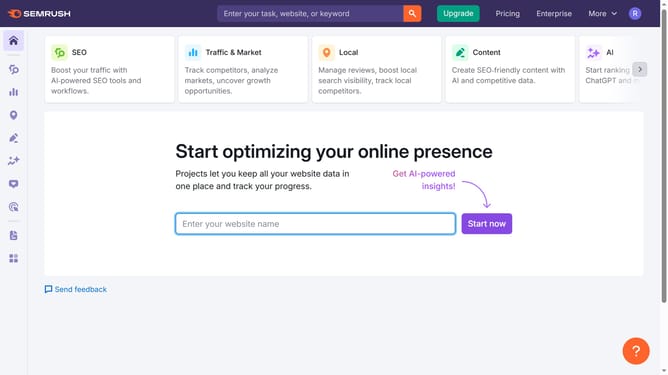
How to analyze engagement trends in Semrush
Here is how to analyze engagement trends in semrush
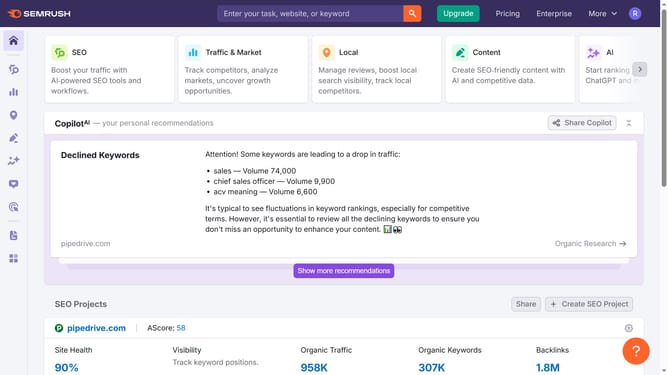
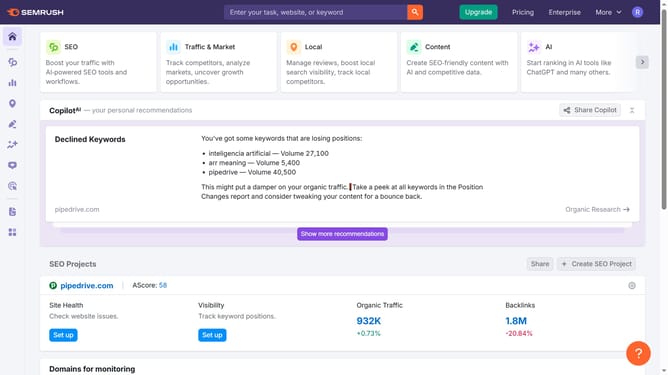
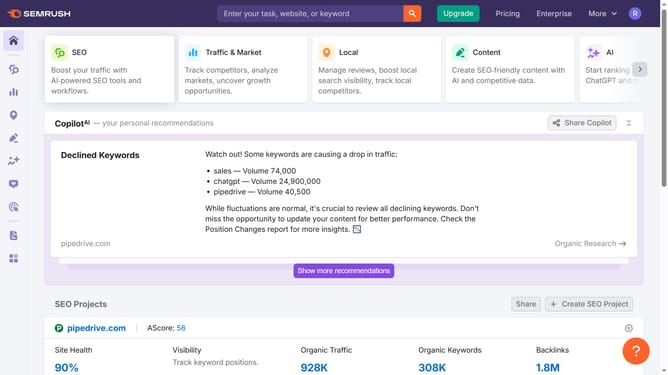
- First click on the "SEO" tab in the main navigation menu
- Then click on "Domain Overview" in the left sidebar menu
- Enter your domain in the domain input field
- Click the "Search" button to analyze the domain
- Then you'll find the "Engagement Metrics" section
- Click "Compare" in that section to open the full traffic breakdown by country
Why should you analyze engagement trends in Semrush
Semrush is an all-in-one digital marketing platform designed to improve online visibility and discover marketing insights.
An essential feature of Semrush is its capability to analyze engagement trends. This powerful tool helps you assess how users interact with your content and gauge what's working in your strategy.
Understanding engagement trends is crucial for optimizing content and boosting audience interaction. By leveraging these insights, you can enhance your marketing campaigns, increase user satisfaction, and drive better results.
Last update