How to analyze competitor traffic share in Semrush
Here is how to analyze competitor traffic share in semrush
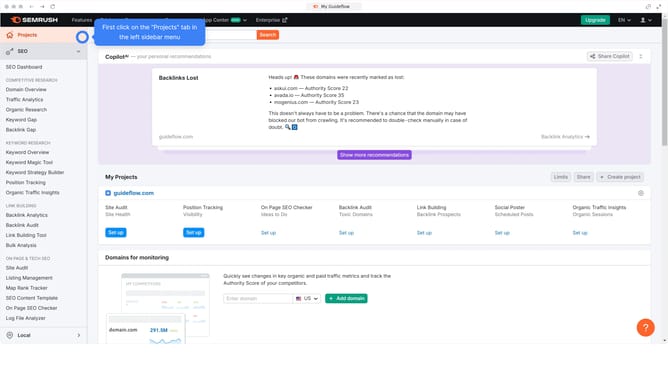
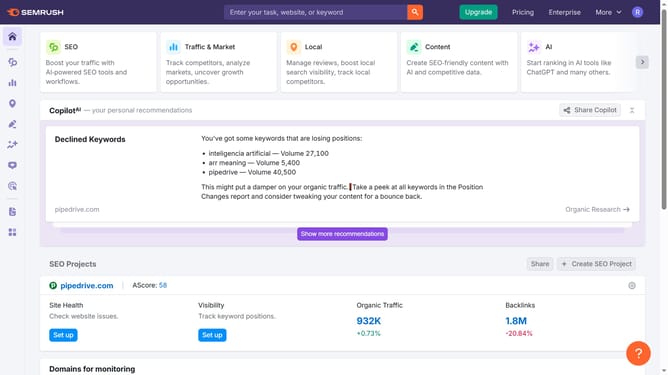
- First click on the "SEO" tab in the main navigation menu
- In the left-hand sidebar, click "Organic Research" under the "Competitive Research" section
- Enter your domain in the domain input field
- Click "Search" to open the Organic Research report
- Click on the "Competitors" tab
- Review the "Traffic %" column to compare how much organic traffic each competitor gets
Why should you analyze competitor traffic share in Semrush
Semrush is a powerful digital marketing tool designed to provide insights that fuel online growth.
Analyzing competitor traffic share with Semrush allows businesses to gain a clearer understanding of their market position.
By diving into this feature, you'll unlock valuable data on where competitors attract their audience from, helping you identify new opportunities and strategies.
Such insights can drive informed decisions that enhance competitive advantage and refine marketing tactics over time.
Last update