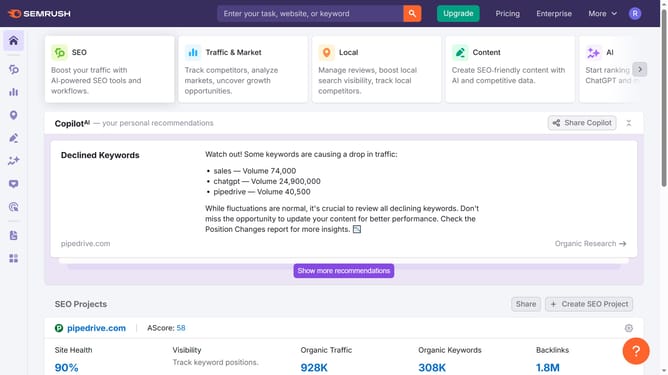
How to open backlink analytics in Semrush
Here is how to open backlink analytics in semrush
- First click on the "SEO" section in the main navigation menu
- Then click on "Backlink Analytics" option in the left sidebar menu
- Enter your domain in the search bar
- Finally click the "Analyze" button to generate the results
Why should you open backlink analytics in Semrush
Semrush is a comprehensive digital marketing tool designed to boost your online visibility and discover actionable insights.
Opening backlink analytics in Semrush enables you to delve into your website's link profile effortlessly.
Analyzing backlinks is crucial for understanding your site's authority, quality of inbound links, and potential growth areas.
Utilizing this feature in Semrush helps in fine-tuning your SEO strategies, enhancing site credibility, and gaining an edge in the competitive digital landscape.
Last update