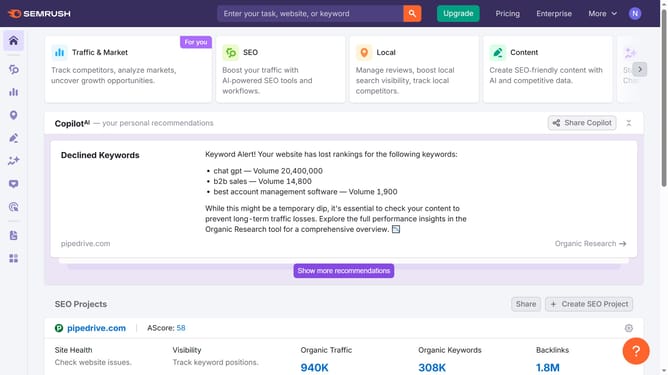
How to view organic click-through rates in Semrush
Here is how to view organic click-through rates in semrush
- First click on the "SEO" tab in the main navigation menu
- In the left-hand sidebar, click "Organic Research" under the "Competitive Research" section
- Enter your domain in the domain input field
- Click "Search" to open the Organic Research report
- Scroll down to the "Top Keywords" section
- Look for the "Traffic %" column, which estimates the organic click-through rate (CTR) for each keyword
Why should you view organic click-through rates in Semrush
Semrush is a powerful digital marketing tool designed to optimize online visibility and discover marketing insights.
Viewing organic click-through rates in Semrush offers an in-depth perspective into how well your website's listing attracts clicks from search users.
Understanding these rates allows businesses to fine-tune their headlines, meta descriptions, and overall content to improve engagement and interaction.
With this feature, you gain insightful data that empowers strategic decisions, enhancing your SEO strategy effectively.
Last update