How to find unique competitor backlinks in Semrush
Here is how to find unique competitor backlinks in semrush
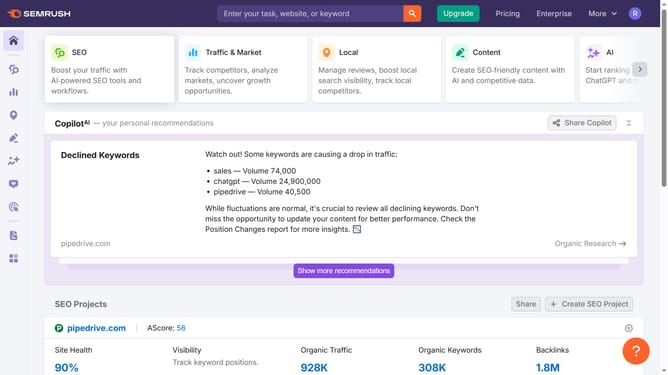
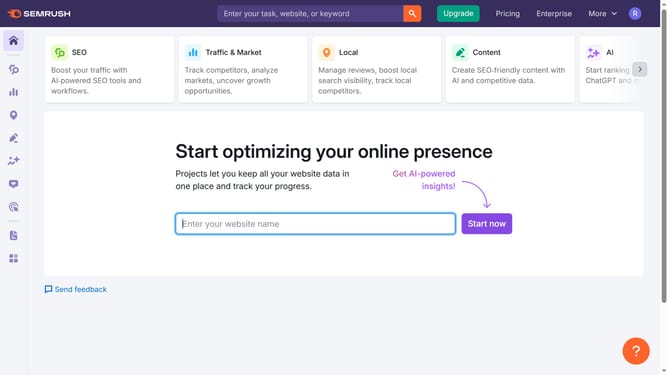
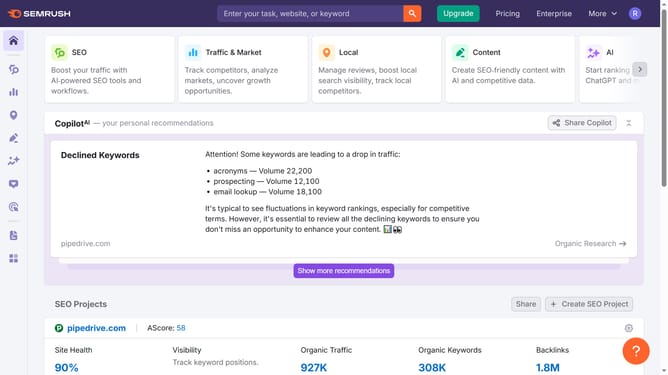
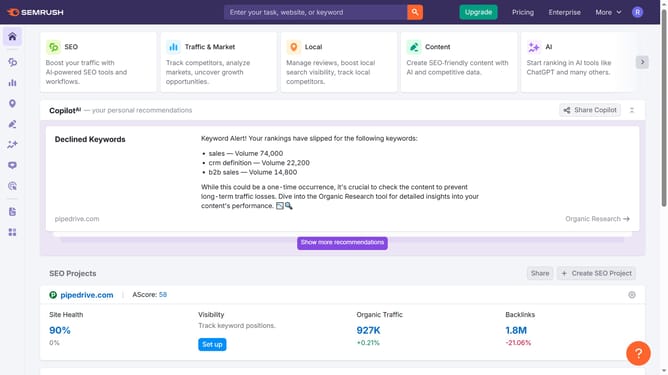
- First click on the "SEO" section in the top navigation menu
- Then click on "Backlink Gap" option in the left sidebar menu
- Next click in the first domain input field to enter your domain
- Add the competitor domains in the remaining fields
- Click the "Find prospects" button to generate backlink data
- Click on the "Unique" tab to view domains that are unique backlink opportunities
Why should you find unique competitor backlinks in Semrush
Semrush is a powerful digital marketing tool designed to boost your online visibility.
In the realm of SEO, uncovering unique competitor backlinks in Semrush provides actionable insights into your competitors' strategies.
This feature aids in identifying the specific links your competitors have that you don't, offering opportunities for backlink acquisition and gap closures.
Utilizing this information propels your strategy forward, enhances your domain authority, and ultimately elevates your search engine standings.
Last update