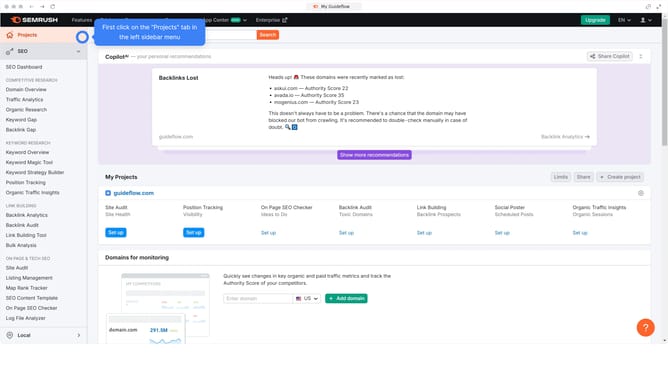
How to find shared competitor backlinks in Semrush
Here is how to find shared competitor backlinks in semrush
- First click on the "SEO" section in the top navigation menu
- Then click on "Backlink Gap" option in the left sidebar menu
- Next click in the first domain input field to enter your domain
- Add the competitor domains in the remaining fields
- Click the "Find prospects" button to generate backlink data
- In the results, go to the "Shared" tab to view referring domains that link to both your site and your competitors
Why should you find shared competitor backlinks in Semrush
Semrush is a powerful digital marketing tool designed to enhance online visibility and identify market insights.
One of its standout features is the ability to find shared competitor backlinks, which uncovers links shared by multiple competitors. This strategic knowledge is invaluable for understanding the link-building tactics in your industry.
Utilizing this feature enables businesses to identify high-authority sites that could boost their own SEO rankings. This insight helps in crafting an effective and informed backlink strategy to stay ahead.
Last update