How to view competitor data in Semrush
Here is how to view competitor data in semrush
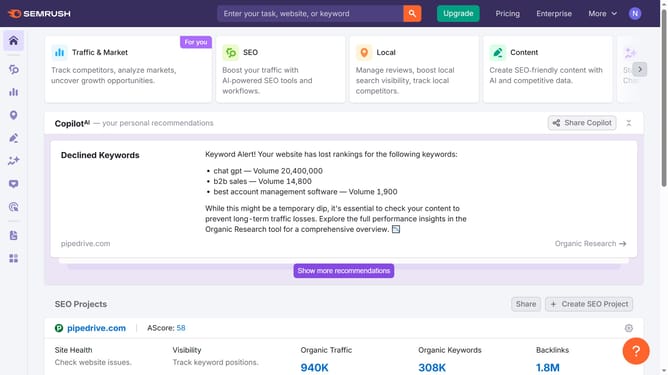
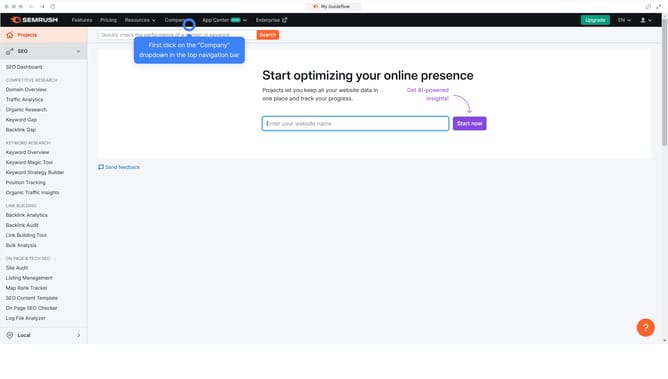
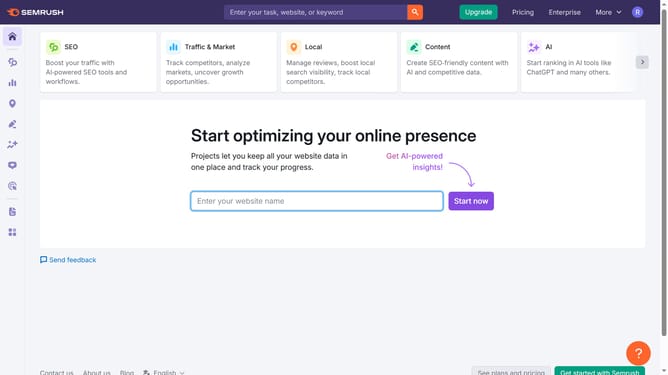
- First click on the "SEO" section in the left sidebar menu
- Then click on "Domain Overview" option in the left sidebar submenu
- Enter your domain in the domain input field
- Click the "Search" button to analyze the domain
- Click the "Compare Domains"
- Enter your domain in the first field
- Add a competitor domain in the next field
- Click "Compare" to see side-by-side results for the competitor data
Why should you view competitor data in Semrush
Semrush is a powerful digital marketing tool designed to enhance online visibility and uncover market insights.
Viewing competitor data in Semrush offers a unique advantage. It allows businesses to identify competitors' strategies and performance metrics effortlessly.
This feature can guide strategic decision-making by highlighting opportunities and industry trends.
Ultimately, leveraging competitor insights through Semrush can lead to a more informed, competitive, and successful business approach.
Last update