How to export backlink gap results in Semrush
Here is how to export backlink gap results in semrush
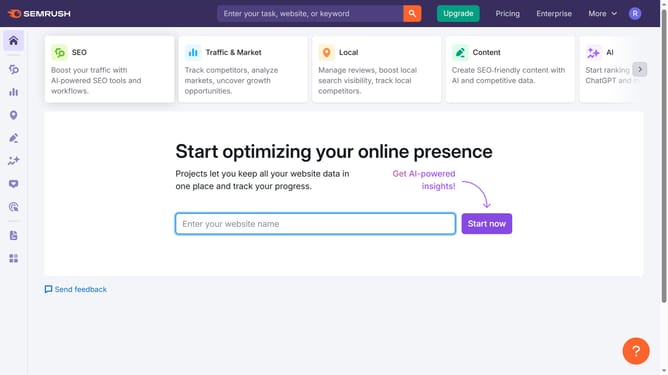
- First click on the "SEO" section in the top menu
- Then click on "Backlink Gap" option in the left sidebar menu
- Next click on the domain input field to enter your domain
- Add the competitors domain in the remaining field
- Click the "Find prospects" button to generate backlink data
- In the results table, click the "Export" button at the top right
- Finally choose your preferred format under the Export button to download the data
Why should you export backlink gap results in Semrush
Semrush is a premier tool for enhancing digital marketing strategies through insightful data analytics.
Exporting backlink gap results in Semrush allows users to effortlessly identify opportunities in link acquisition by comparing their backlink profiles with competitors.
This feature helps streamline the analysis process, ensuring that SEO professionals can focus on strategy rather than data gathering.
Ultimately, it enhances a site's authority by pinpointing and closing backlink gaps efficiently.
Last update