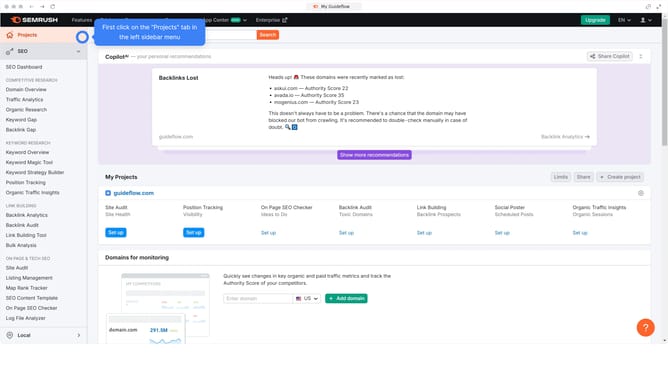
How to identify low-competition keywords in Semrush
Here is how to identify low-competition keywords in semrush
- First click on the "SEO" tab in the main navigation menu
- In the left-hand sidebar, click "Organic Research" under the "Competitive Research" section
- Enter your domain in the domain input field
- Click "Search" to open the Organic Research report
- Click "Keywords" to see all organic keywords your site ranks for
- Check the "Traffic %" column to find low-competition keywords
Why should you identify low-competition keywords in Semrush
Semrush is a comprehensive digital marketing toolkit designed to boost online visibility and discover marketing insights.
Identifying low-competition keywords in Semrush can transform your SEO strategy by uncovering terms that are easier to rank for, giving you a competitive edge.
Effective use of this feature helps drive targeted traffic to your site with less effort, ensuring you reach the right audience without getting lost in a crowded digital space.
Ultimately, leveraging low-competition keywords enhances your site's visibility and accelerates your path to success.
Last update