How to see all engagement metrics in Semrush
Here is how to see all engagement metrics in semrush
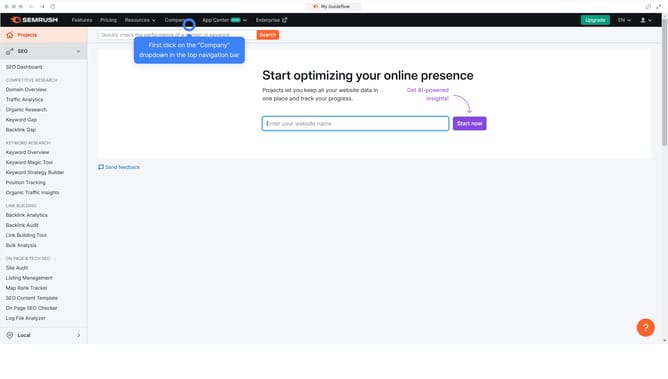
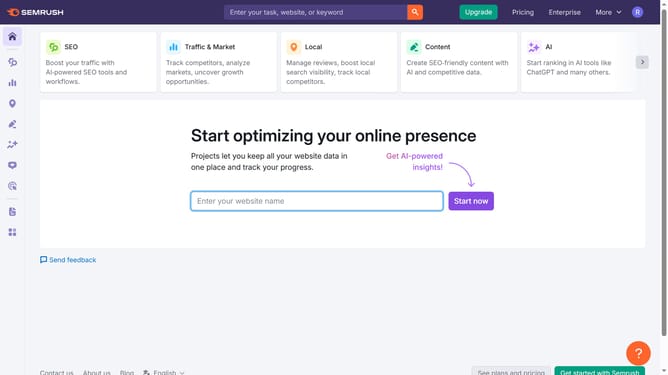
- First click on the "SEO" section in the left sidebar menu
- Then click on "Domain Overview" option in the left sidebar submenu
- Enter your domain in the domain input field
- Click the "Search" button to analyze the domain
- Finally click the "Show all" to explore more engagement metrics
Why should you see all engagement metrics in Semrush
Semrush is a powerful tool for enhancing online visibility and tracking digital marketing performance.
One of its standout features is the ability to see all engagement metrics in one place. This offers a comprehensive view of how your content resonates with the audience.
Understanding these metrics is essential for tailoring strategies that boost interaction and conversions. By evaluating engagement insights, users can make informed decisions, leading to more effective marketing campaigns.
Ultimately, this feature helps refine content and foster deeper audience connections.
Last update