How to analyze non-branded traffic in Semrush
Here is how to analyze non-branded traffic in semrush
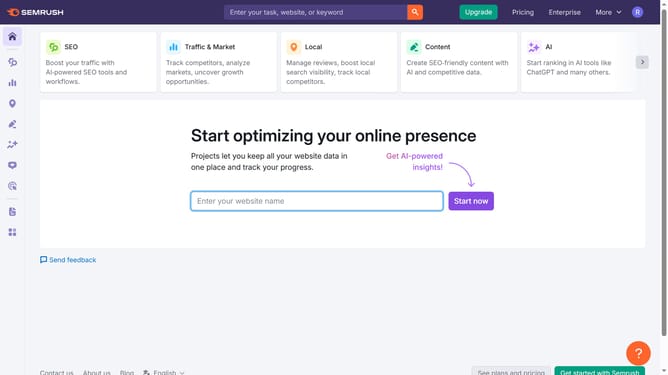
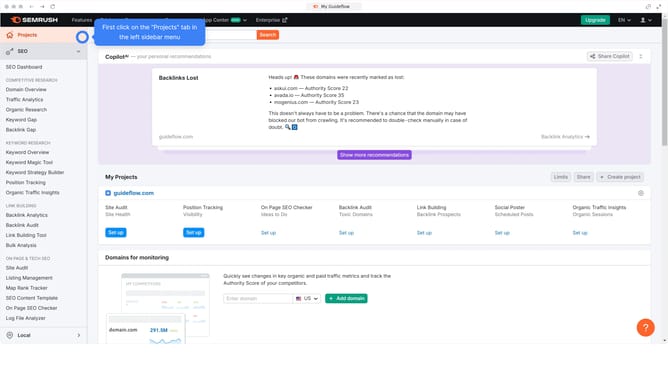
- First click on the "SEO" tab in the main navigation menu
- In the left-hand sidebar, click "Organic Research" under the "Competitive Research" section
- Enter your domain in the domain input field
- Click "Search" to open the Organic Research report
- Here you'll find the "Non-Branded Traffic"
Why should you analyze non-branded traffic in Semrush
Semrush is a powerful digital marketing toolkit designed to boost your online visibility.
With Semrush, analyzing non-branded traffic becomes seamless, allowing you to gain insights into the organic visitors who find your site through generic keywords rather than specific brand terms.
Understanding non-branded traffic is crucial for identifying new growth opportunities and improving SEO strategies by focusing on attracting a broader audience.
This feature empowers businesses to refine content, elevate search engine ranking, and increase overall web traffic potential.
Last update