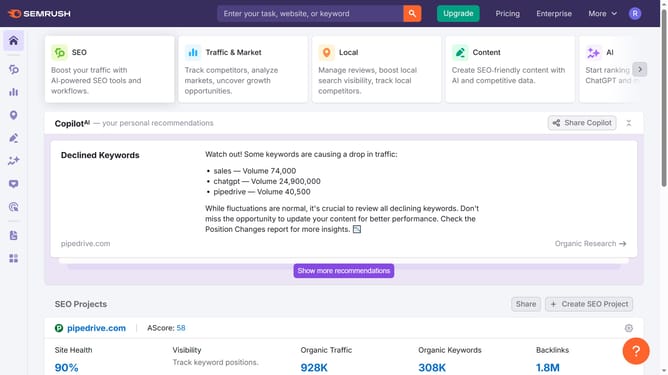
How to check CPC data in Semrush
Here is how to check cpc data in semrush
- First click on the "SEO" tab in the main navigation menu
- Then click on "Domain Overview" in the left sidebar menu
- Enter your domain in the domain input field
- Click the "Search" button to analyze the domain
- Scroll down to the "Top Organic Keywords" section
- Here you'll find the CPC data
Why should you check CPC data in Semrush
Semrush is a comprehensive digital marketing platform designed to enhance online visibility and uncover marketing insights.
The ability to check CPC (Cost Per Click) data in Semrush is a valuable feature for making informed budget decisions. By analyzing CPC data, you gain insight into the competitive landscape of keywords, allowing strategic allocation of advertising spend.
Utilizing CPC insights can significantly optimize your PPC campaigns, leading to better ROI and more effective targeting. Access to reliable data enhances your capability to make data-driven decisions, ultimately supporting successful marketing strategies.
Last update