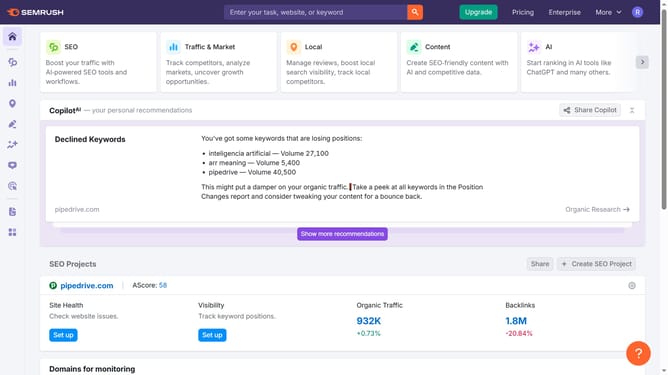
How to view referring domains in Semrush
Here is how to view referring domains in semrush
- First click on the "SEO" section in the main navigation menu
- Then click on "Domain Overview" option in the left sidebar menu
- Enter the domain you want to analyze in the search bar at the top.
- Click the "Search" button to generate results
- Here you'll view the referring domains
Why should you view referring domains in Semrush
Semrush is a powerful tool designed to enhance digital marketing strategies through insightful analytics.
Understanding how to view referring domains in Semrush is essential to leverage the full potential of your backlink profile. This feature provides clear visibility into the domains linking back to your site, which significantly impacts your SEO performance.
By monitoring referring domains, you gain crucial insights into your link-building efforts and can identify high-quality backlinks that contribute most effectively to your SEO strategy.
This knowledge ensures you make informed decisions on enhancing your site's authority and visibility, bringing you one step closer to achieving your online marketing goals.
Last update