How to analyze featured snippet opportunities in Semrush
Here is how to analyze featured snippet opportunities in semrush
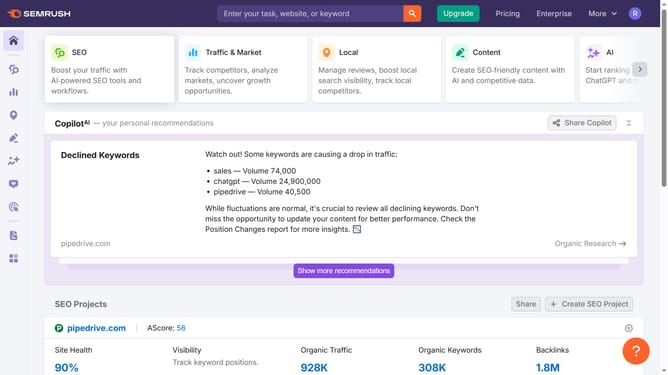
- First click on the "SEO" tab in the main navigation menu
- In the left-hand sidebar, click "Organic Research" under the "Competitive Research" section
- Enter your domain in the domain input field
- Click "Search" to open the Organic Research report
- Scroll down to the "SERP Features" section
- Click the number under "Featured Snippet" to analyze the keyword list to identify which pages are earning snippets
Why should you analyze featured snippet opportunities in Semrush
Semrush is a comprehensive tool designed to enhance online visibility and discover marketing insights.
To capitalize on featured snippet opportunities, Semrush empowers users by identifying keywords that have the potential to rank as snippets. By using this feature, businesses can strategically optimize their content to capture these valuable search positions.
This results in increased website traffic and enhanced credibility, positioning your brand at the forefront of search audiences. This not only strengthens engagement but also fosters growth in your digital presence.
Last update