How to add page in Webflow
Here is how to add page in webflow
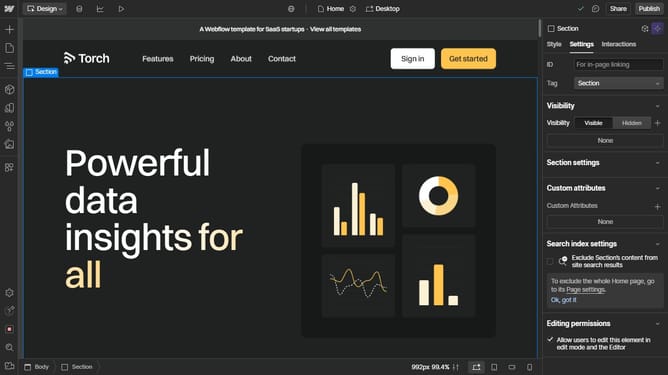
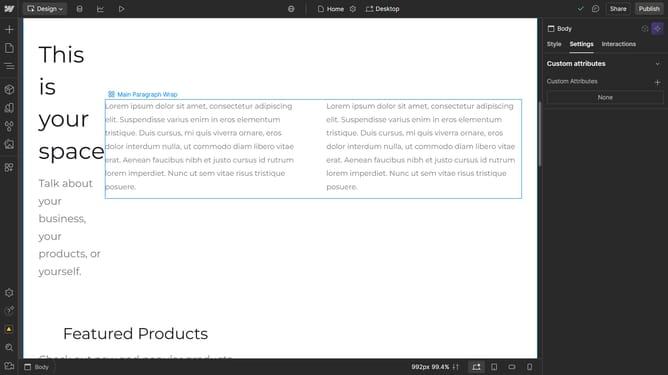
- First click on the page icon in the left sidebar
- Then click on the plus icon in the header section
- Next, click on "Create page" button
- Then, click on the "Page name" text input field and type in your desired page name
- Finally click on the "Create" button in the header section
Why should you How to add page in Webflow
Webflow is an innovative design tool tailored for building powerful and visually stunning websites without coding.
The feature of adding a page in Webflow allows users to seamlessly expand their websites, ensuring the content stays dynamic and relevant.
This capability empowers creators to effortlessly structure their site, enhance user navigation, and improve overall engagement. The intuitive interface ensures that even those with minimal technical expertise can enjoy the flexibility and control needed to bring their vision to life.
Last update