How to add JavaScript to Webflow
Here is how to add javascript to webflow
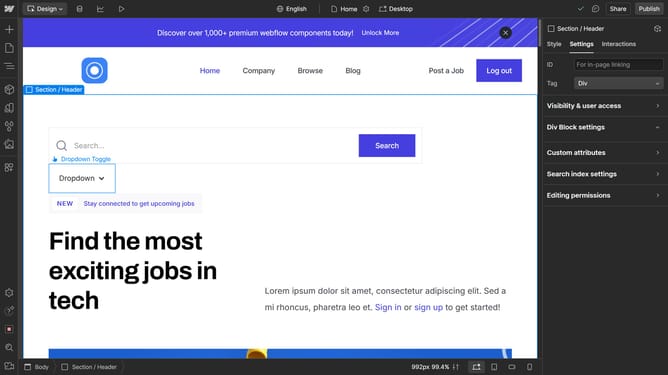
- First click on the "+" icon in the top left corner
- Then click on the "Search elements" input field and type in "Code block"
- Next, click on the "Code Block" option
- Then click on the "Code Block Editor" and type in or paste your javascript code
- Finally click on the "Save & Close" button
Why should you How to add JavaScript to Webflow
Webflow is a powerful platform that empowers users to design, build, and launch responsive websites visually.
Seamlessly integrating JavaScript into Webflow enhances your site's functionality and user experience without disrupting its design.
This ability offers flexibility, allowing for custom interactions, dynamic content, and improved website performance.
By adding JavaScript, you can unlock new ways to engage your audience, providing richer, more interactive online experiences.
Last update