How to add click animation in Webflow
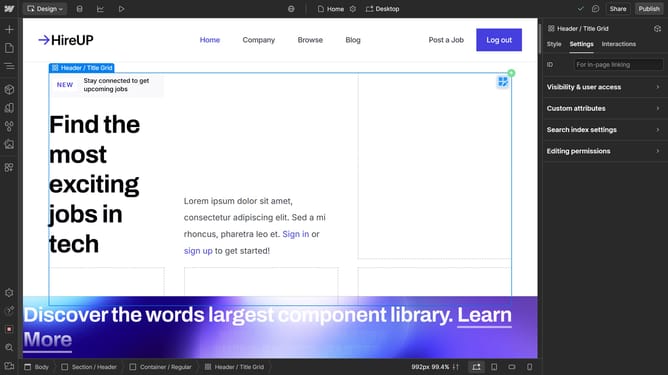
Here is how to add click animation in webflow
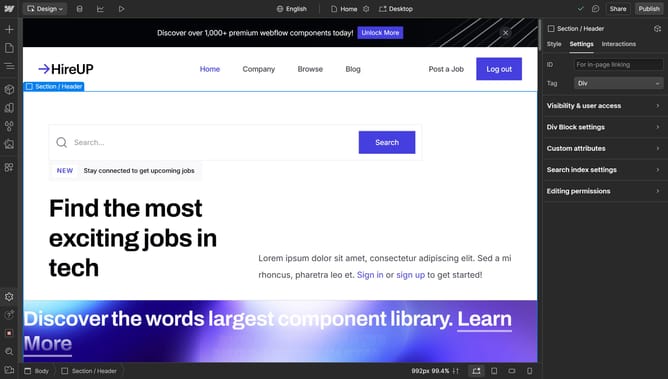
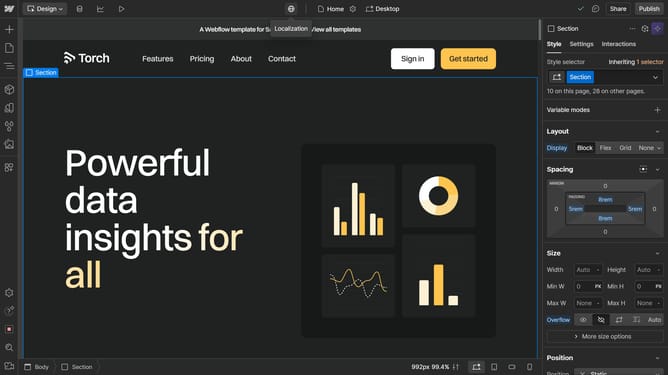
- First, click the element you want to add an animation to
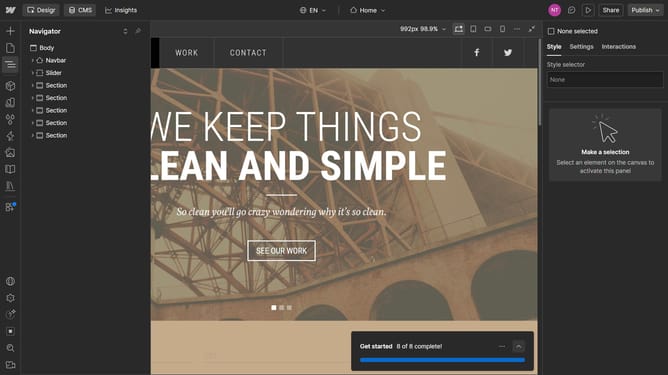
- Then click on the "Interactions" tab in the right menu
- Next, click on the "Click" option under the "Trigger on..." section
- Then, click on the "+ Add an action..." button within the Actions section
- Finally, click on your preferred animation option from the menu
Why should you How to add click animation in Webflow
Webflow empowers designers to create stunning, responsive websites with no coding required.
Adding click animations in Webflow elevates user interaction, making websites more engaging and dynamic.
These animations guide users through web experiences smoothly, enhancing usability and capturing attention.
By integrating click animations, designers can emphasize actions and create a memorable and enjoyable user journey.
Last update