How to add an item to team bulletin board in Tettra
Here is how to add an item to team bulletin board in tettra
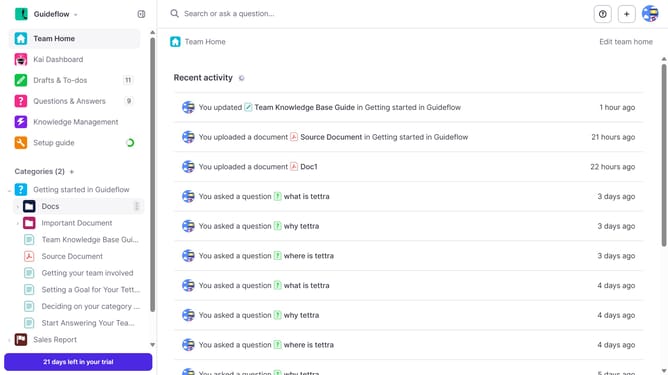
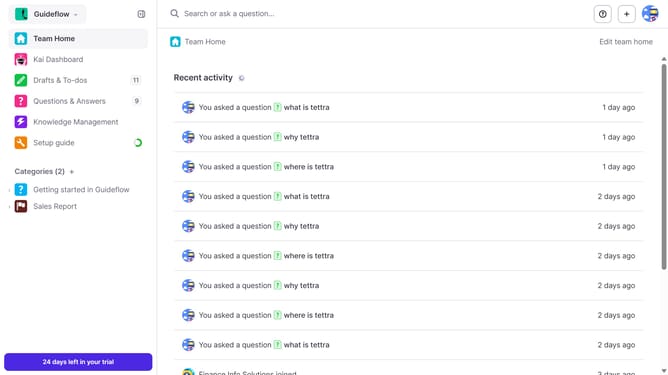
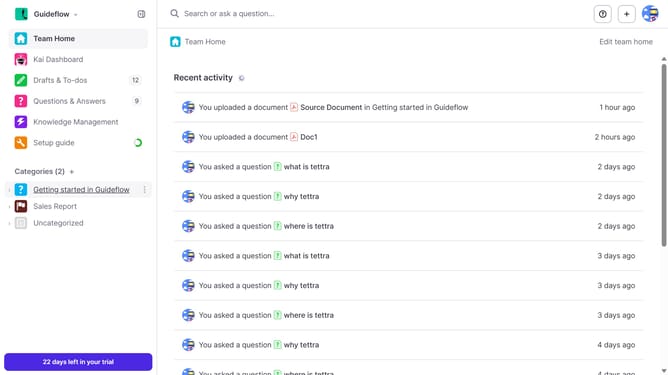
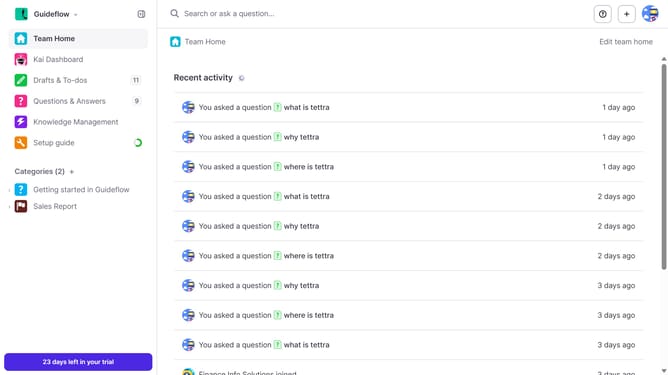
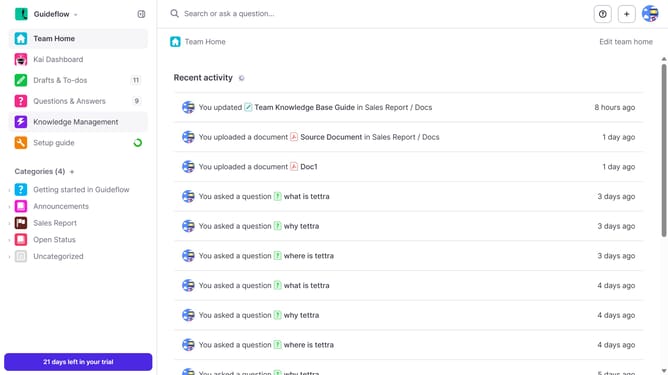
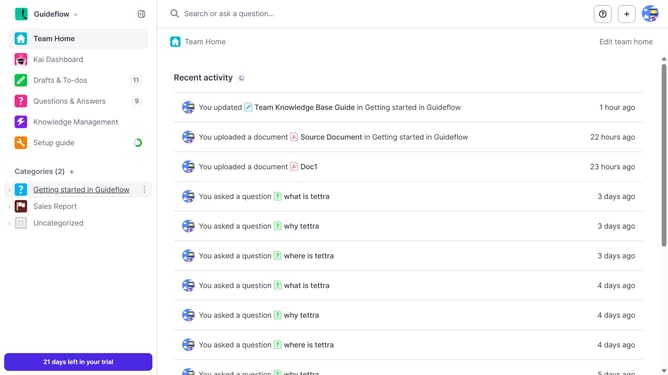
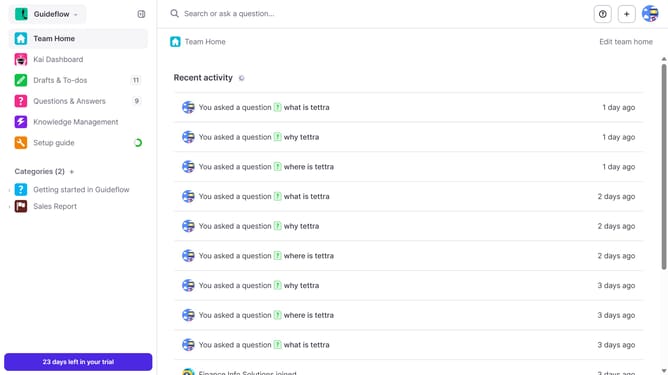
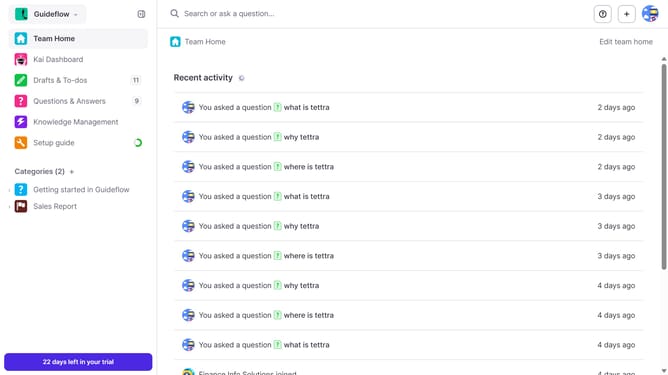
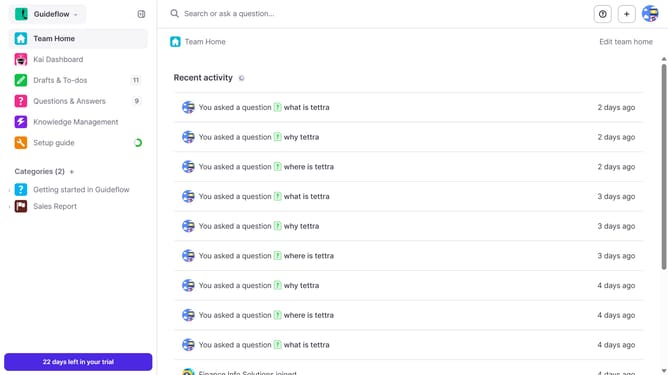
- First click on "Team Home" in the sidebar
- Then click on the "+" gray button in "Team bulletin board"
- Then click on the dropdown arrow next to the search bar
- Then select your content from the list of options
- Finally click on the "Pin" button
Why should you How to add an item to team bulletin board in Tettra
Tettra is a collaborative knowledge management tool designed to keep team communication and organization seamless and efficient.
Adding an item to the team bulletin board in Tettra enhances collaboration by providing a centralized space for important updates. This feature allows team members to stay informed and aligned without the need for constant emails.
Utilizing the bulletin board streamlines communication, ensuring that everyone is on the same page with easy access to essential information. It fosters a transparent and organized work environment, boosting productivity and teamwork.
Last update