How to add a description to an extension on a base in Airtable
Here is how to add a description to an extension on a base in airtable
- First, open the base where the extension is located
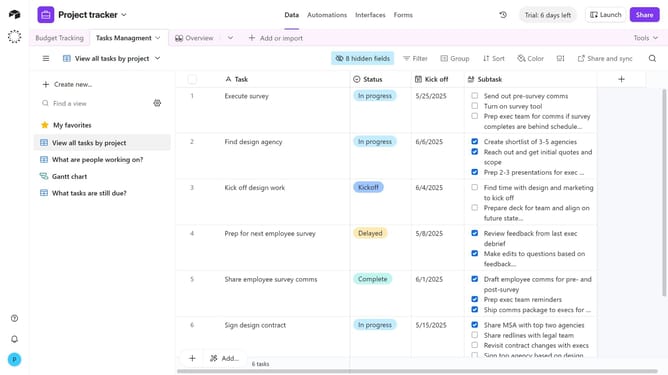
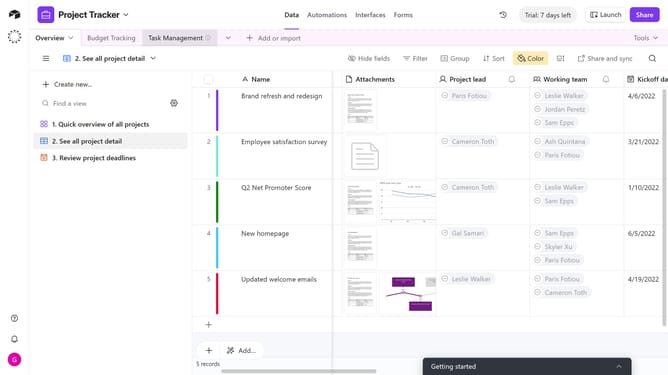
- Next click on the "Tools" button in the top-right corner of the interface
- Click on the "Extensions" option in the toolbar
- In the dashboard panel, locate the extension you want to add a description to
- Click on the extension name to open the dropdown menu
- Select "Edit extension description" from the menu options
- Then, enter the description in the empty text field that appears
- Finally click the "Save description" button to save the changes
- The description has now been added to your extension
Why should you add a description to an extension on a base in Airtable
Airtable seamlessly blends the simplicity of a spreadsheet with the power of a database, revolutionizing how teams manage data.
When you add a description to an extension on a base in Airtable, it enhances clarity and accessibility, providing team members with immediate insights into the extension's purpose and function.
This added layer of detail supports informed decision-making and streamlines collaboration, ensuring everyone is on the same page swiftly. Boost productivity by keeping your projects well-documented and easy to navigate, fostering a harmonious workflow.
Last update